Robot builds for Hermes Agent
Robots for Nous Research's open-source agent. Some were built for Hermes; the rest run from a CLI, SDK or MCP server any agent can use. Not all tested with Hermes.
Built for Hermes (3)Works with any agent (19)Weekend installParts catalog: Hermes Workshop
Built for Hermes Agent
The source repo names Hermes Agent as the brain.
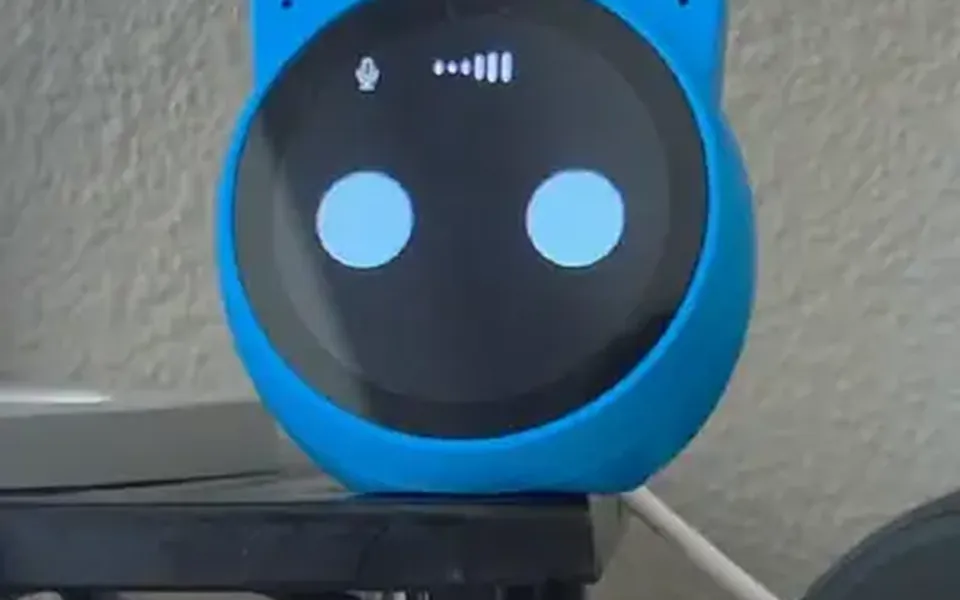

Works with any agent
Each README has commands an agent can run for you.

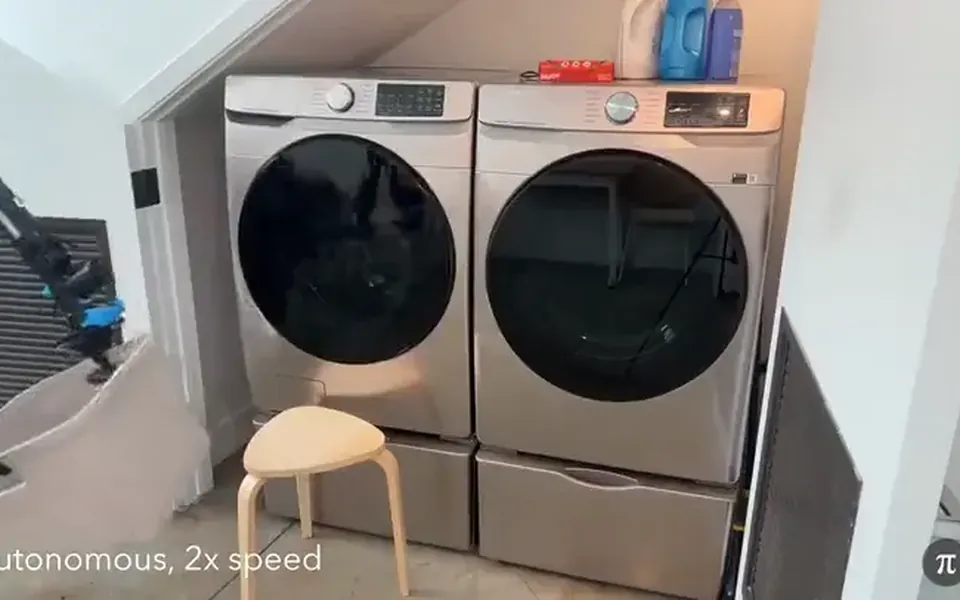
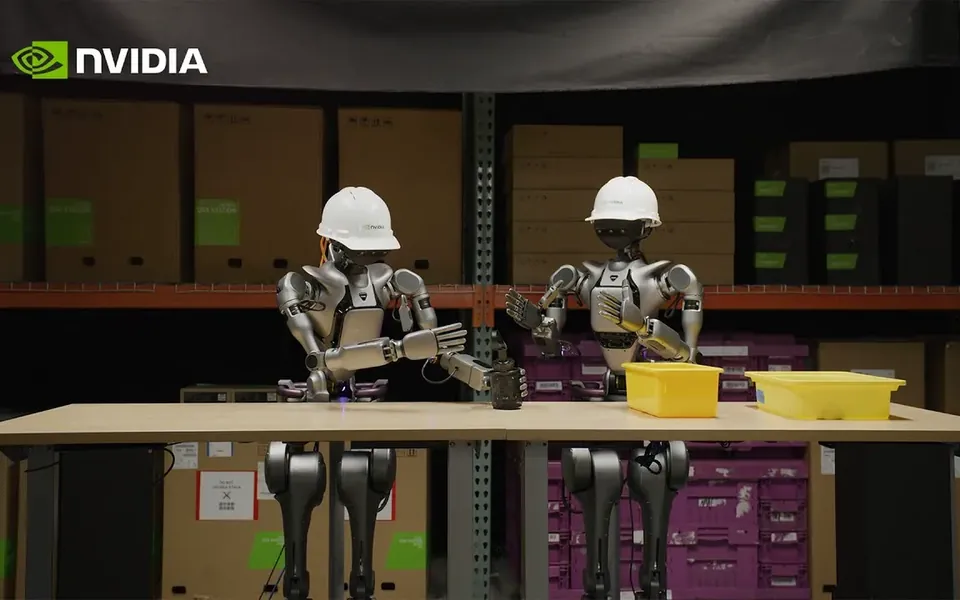
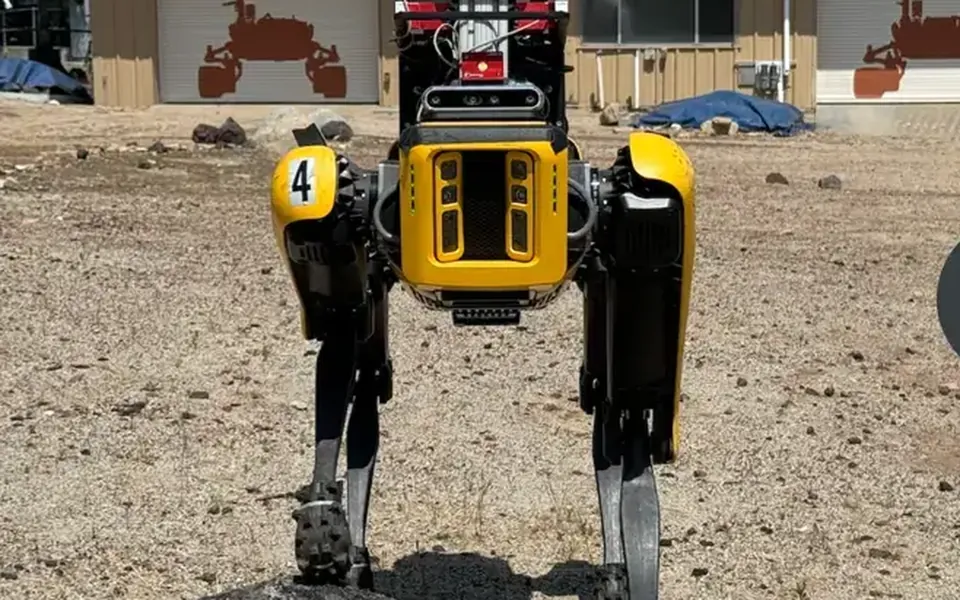
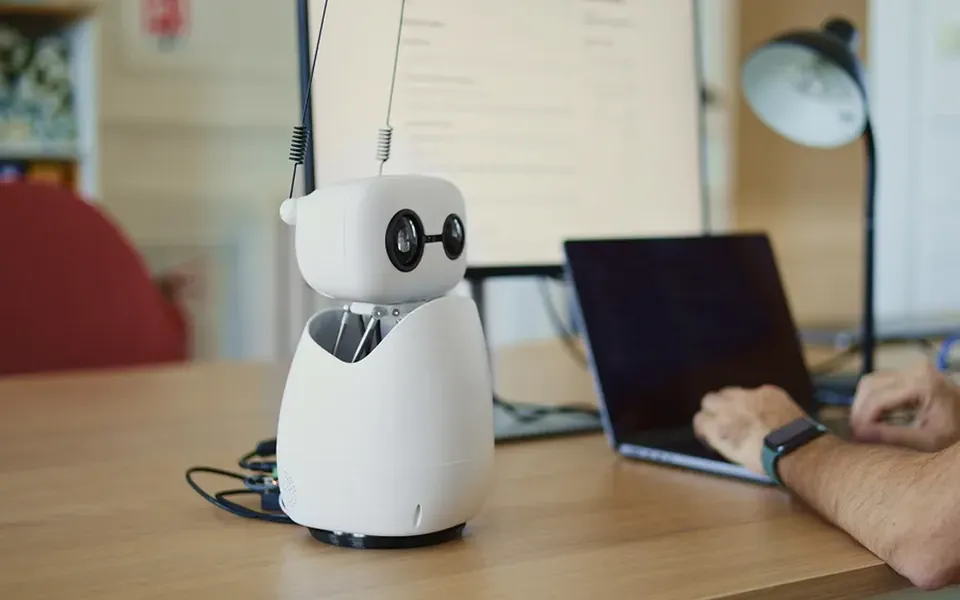
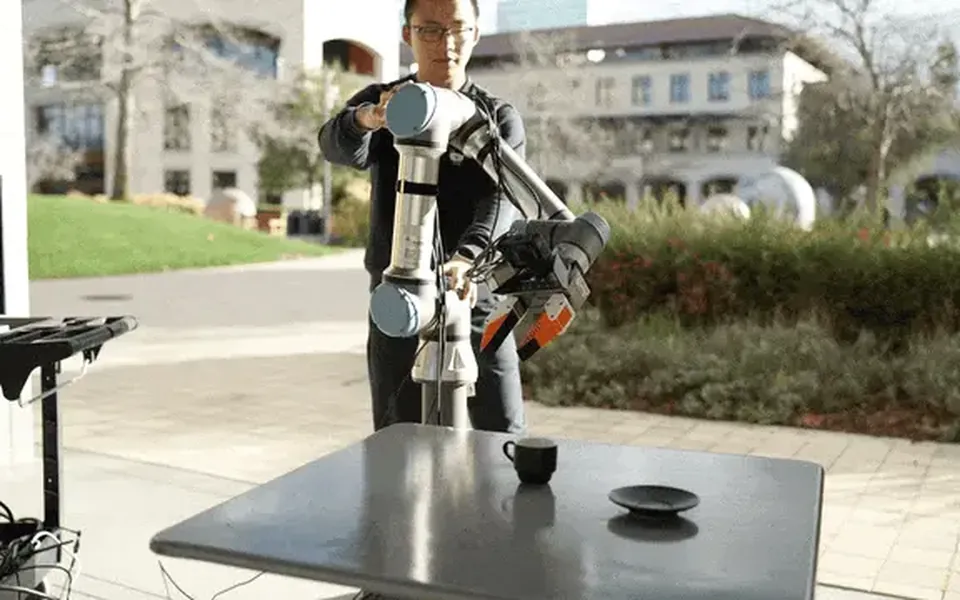
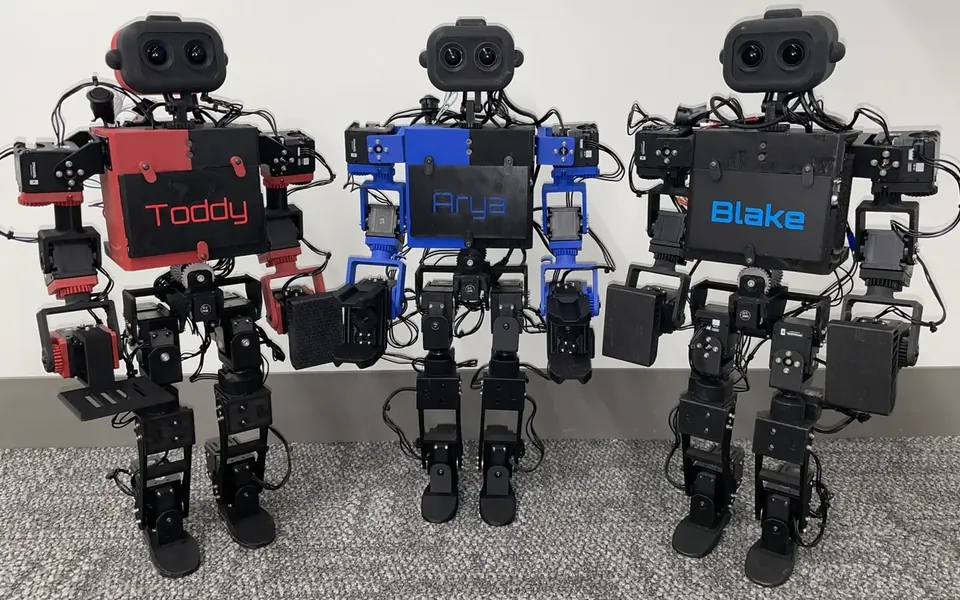
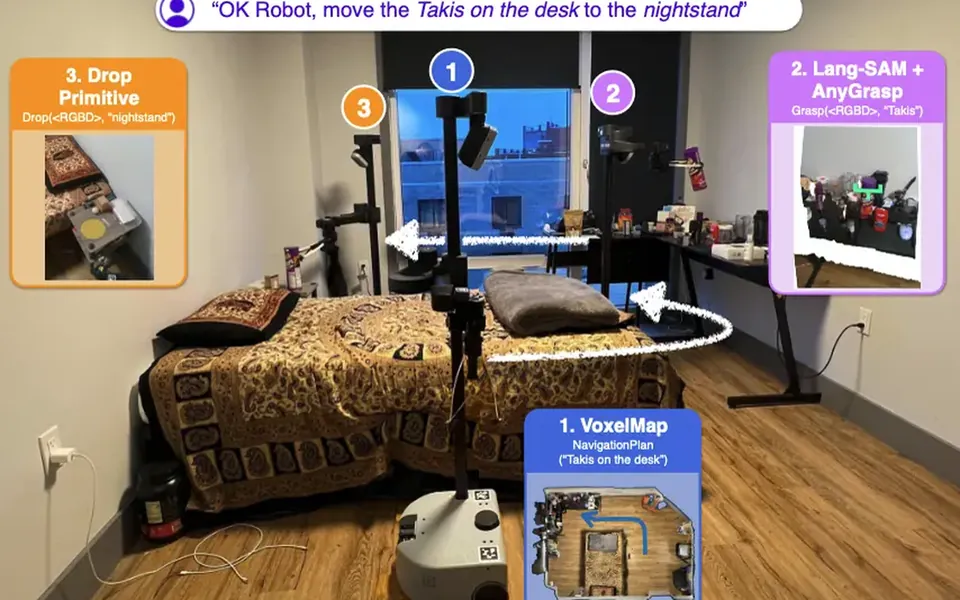
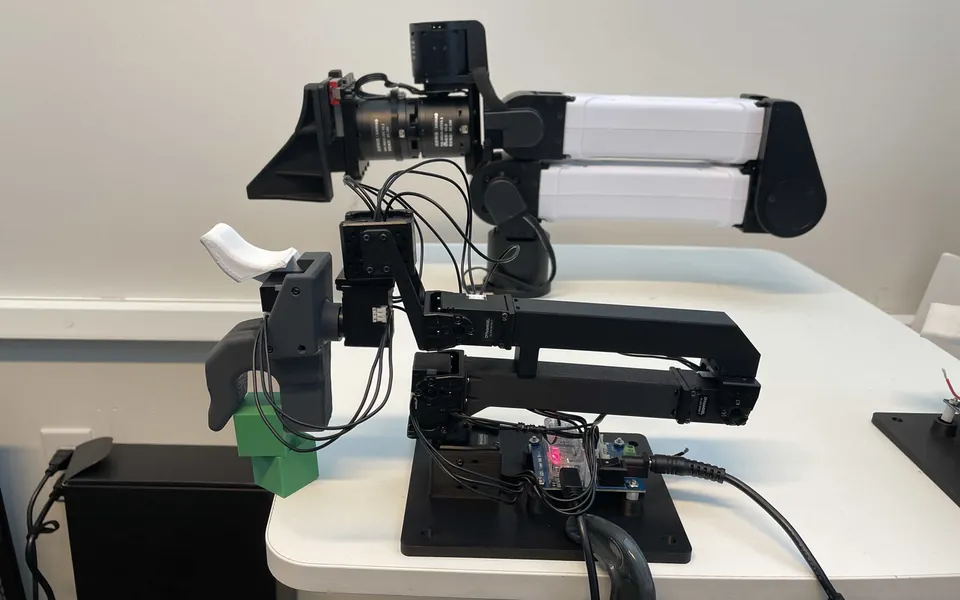


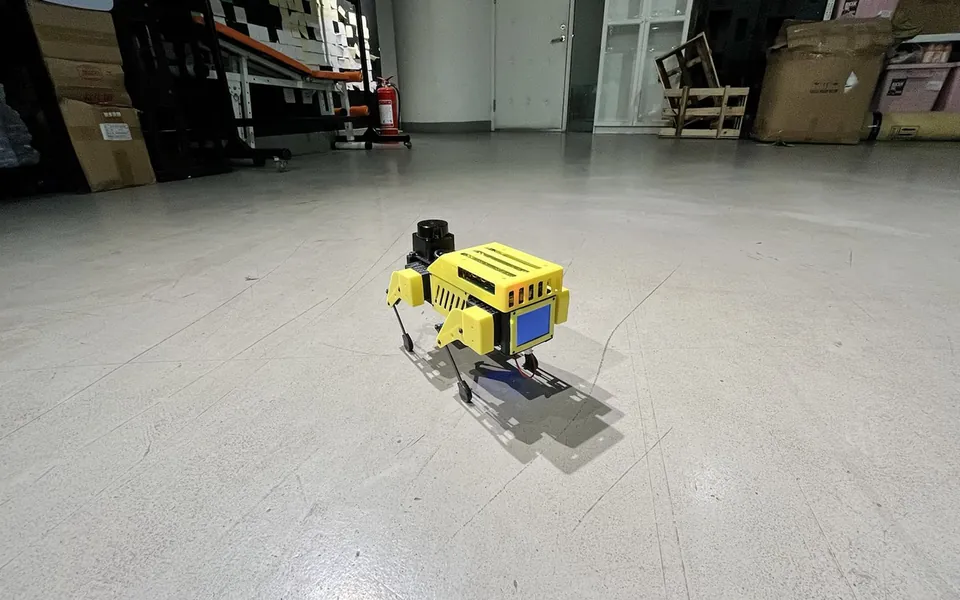

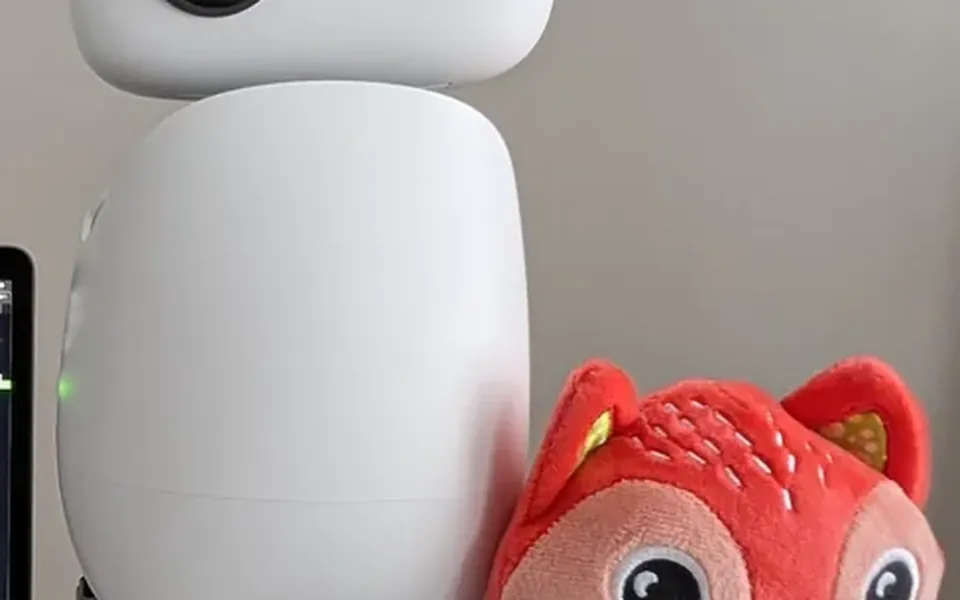
Give Hermes a body this weekend
Three steps, copied from each project's README.
1. Install Hermes Agent
If you don't run Hermes yet, the install script sets it up and the hermes command starts a chat.
$ curl -fsSL https://hermes-agent.nousresearch.com/install.sh | bash$ hermes
From the NousResearch/hermes-agent README
2. Try a voice body with no hardware
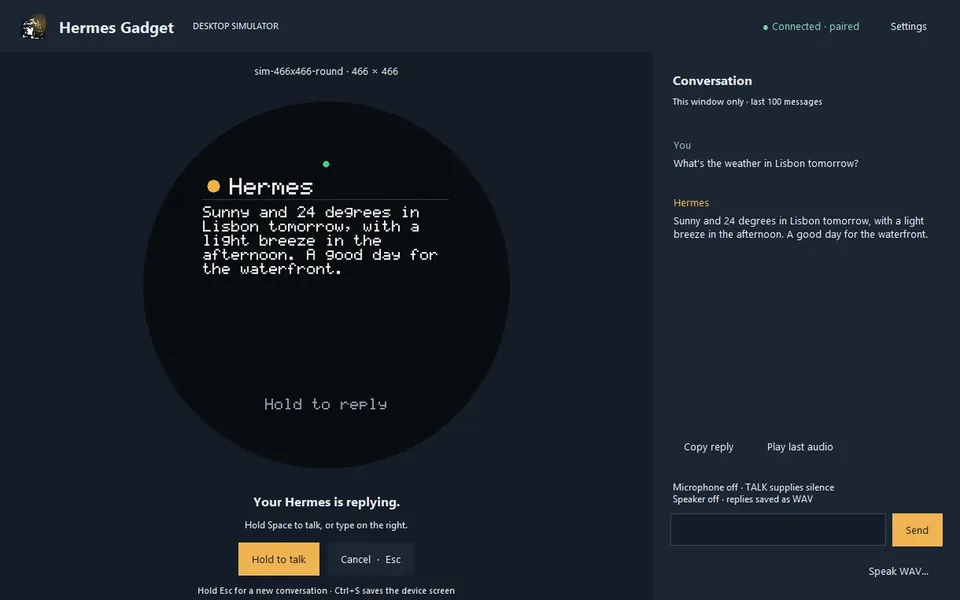
Hermes Gadget runs the same device code in a desktop simulator. Pair it, chat with it, then flash a real ESP32-S3 board later. The full steps are in the Hermes Gadget install kit.
$ python -m pip install -e ".[dev]"$ hermes-gadget devserver --pairing$ hermes-gadget sim --url ws://127.0.0.1:8765/gadget --board sim-466x466-round
From the Adolanium/hermes-gadget-sdk README
3. Give it motors over MCP
Caduceus shows the pattern: a small Python MCP server talks to an ESP32 over Wi-Fi, and you register it with Hermes. Swap in your own robot's tools. For a ROS robot, ROS-MCP-Server works with any MCP client.
$ hermes mcp add caduceus-robot --command "python3 ~/caduceus_mcp.py"$ hermes mcp list
From the devorun/caduceus-robot README
Parts notes in the Hermes Workshop
- Stack-chanparts notes
- Reachy Miniparts notes
- Hermes Gadgetparts notes
- XiaoZhiparts notes
- Unitreeparts notes
- Valetudoparts notes
- Vectorparts notes
- SO-101parts notes
- OpenCatparts notes
- LeKiwiparts notes
- Caduceusparts notes
- HopeJRparts notes
- Open Duckparts notes
- TurtleBot 4parts notes
- Unitreeparts notes
- Waveshare UGVparts notes
“Hermes Agent” is used here only to describe compatibility. This site isn't affiliated with or endorsed by Nous Research or Teknium.