Hermes Gadget: an ESP32 or Raspberry Pi voice body for your Hermes Agent
Desk, EasyInstall kitWorks with Hermes Agent
Hermes Gadget is MIT-licensed firmware and an SDK that turns an ESP32-S3 board or Raspberry Pi 4/5 into a hold-to-talk voice body for your own Hermes Agent. Try the desktop simulator first; there is no single kit price.
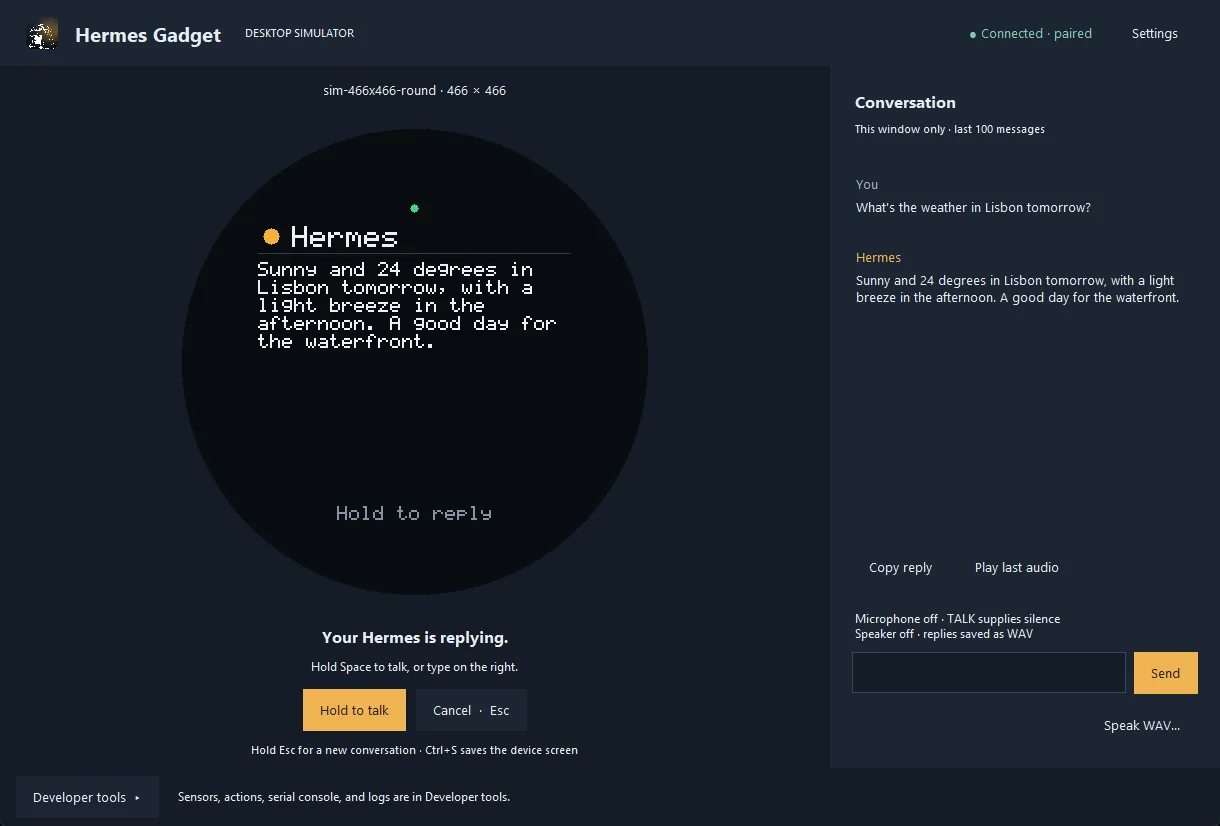
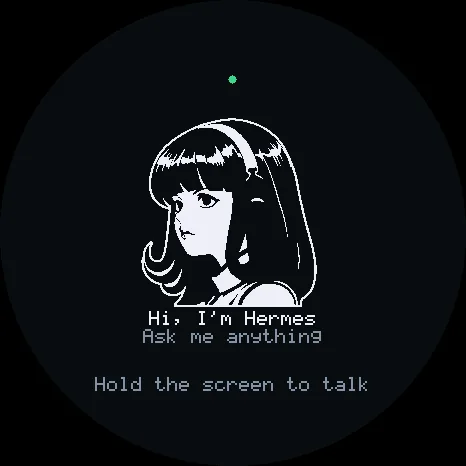
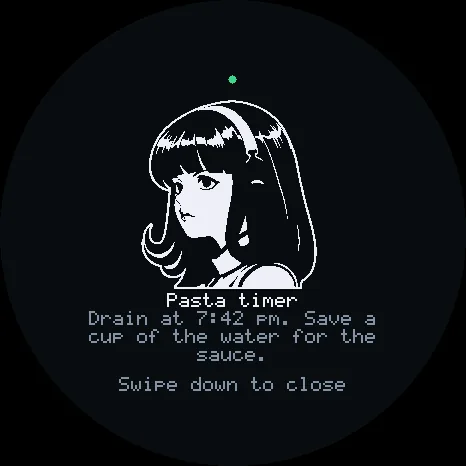
Hold TALK to speak, release to send, and hear the reply. The screen shows replies, confirmation questions and cards from the agent. You can expose the gadget's LEDs, sensors and other controls to Hermes as tools. A browser installer flashes a board over USB from Chrome or Edge with no firmware toolchain. The desktop simulator runs the same C++17 core on your computer.
Does it work: the simulator and shared core are what CI exercises. The README says hardware ports stay experimental until a physical verification report exists for the exact board revision, and there is no wake word yet. It is a community project and says it is not affiliated with or endorsed by Nous Research.
Hardware & cost: ESP32-S3 boards and Raspberry Pi 4/5 are supported; pick a board from the project's supported-hardware docs. No single BOM total is published, so we do not list a price.
Difficulty: Easy for the simulator; board bring-up depends on the revision you flash.
Next step: run the desktop simulator from the repo, then flash a board with the browser installer when you are ready.
Source: Adolanium/hermes-gadget-sdk on GitHub — https://github.com/Adolanium/hermes-gadget-sdk (facts checked against the project README, Nov 3, 2026).
Quick answers
- What is Hermes Gadget?
- MIT-licensed firmware and an SDK that turns an ESP32-S3 board or a Raspberry Pi 4/5 into a hold-to-talk voice and screen terminal for your own Hermes Agent. A desktop simulator runs the same C++17 core without a board.
- How much does Hermes Gadget cost?
- The project does not publish a single BOM total. Cost depends on which ESP32-S3 board or Raspberry Pi you buy. The desktop simulator is free to try.
- Does Hermes Gadget actually work on hardware?
- CI tests the shared core, tools and plugin. The README says hardware ports stay experimental until a physical verification report exists for the exact board revision, and there is no wake word yet.
How your agent drives it
Copied from the Adolanium/hermes-gadget-sdk README
- Shell
$ python -m pip install -e ".[dev]"
- Shell
$ hermes-gadget devserver --pairing
- Shell
$ hermes-gadget sim --url ws://127.0.0.1:8765/gadget --board sim-466x466-round
Any coding agent that can run a shell can run these. Read the README before you run anything on a robot that moves.
Ideas to try with it
Our ideas, not the builder's claims.
- Try it in the desktop simulator tonight, then flash a board this weekend
- Expose a desk lamp as a tool and ask Hermes to turn it off
- Put the gadget on a robot as its voice and screen
1 more ideaShow fewer
- Approve agent actions from the device instead of your laptop
- Last commit
- 2026-11-02
- Builder
- Adolanium
- Repo
- Adolanium/hermes-gadget-sdk, 464 stars
- Built with
- ESP32-S3, Raspberry Pi 4/5, Hermes Agent
Guides: How to set up Anki Vector with wire-pod (2026) · Give your AI agent a robot body · Cheap ESP32 robot projects you can build · Robots you can build with AI · AI hardware for robot and agent builds · Install kit
Parts notes for this device are in the Hermes Workshop catalog.
What to build next
Builds that share a board, robot or agent with this one.
 JARVIS Desk Bot: a talking ESP32 desk robot for your AI agentAlso for Hermes Agent
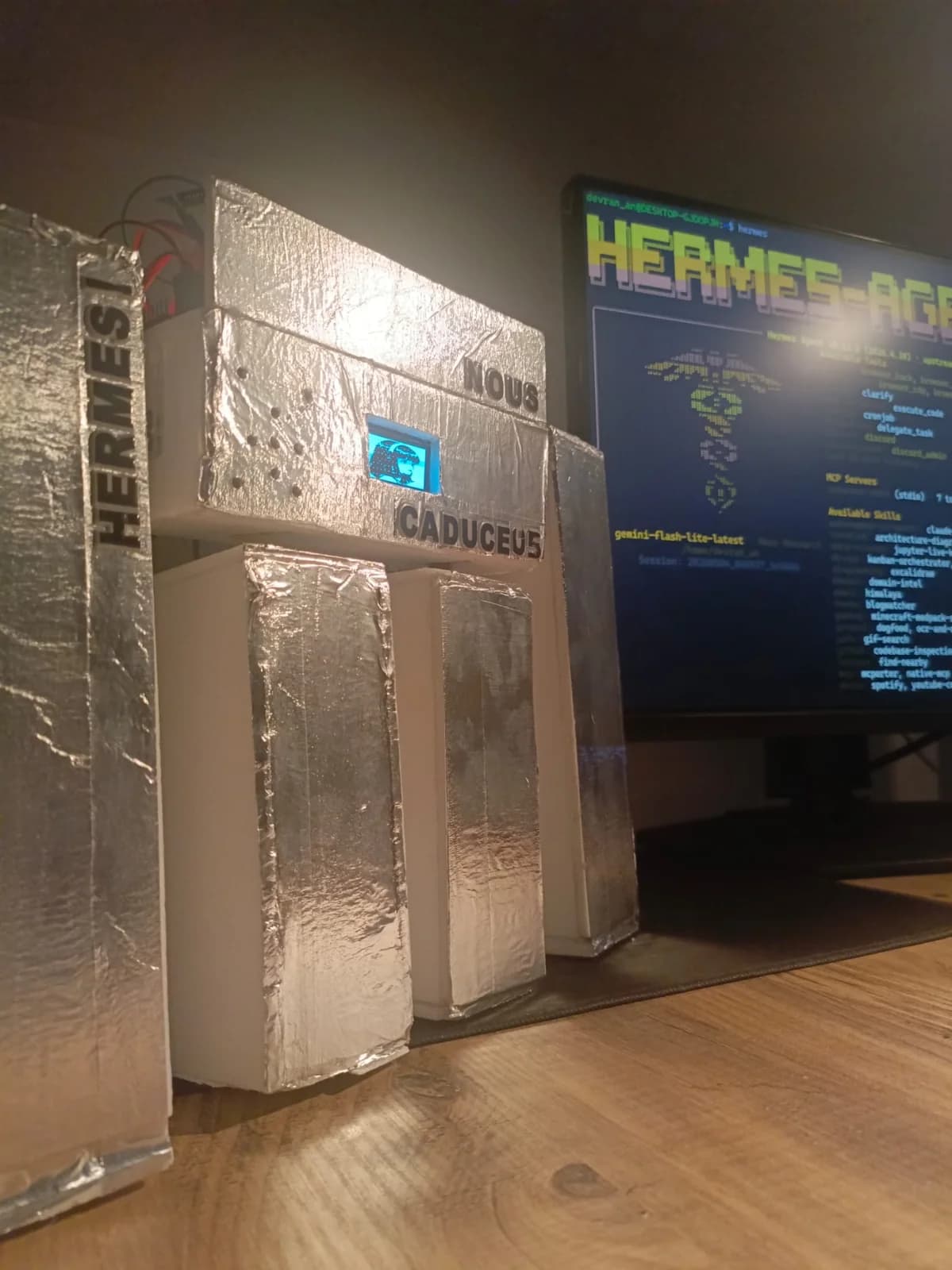 Caduceus: a voice robot body for Hermes Agent, wired up over MCPAlso for Hermes Agent
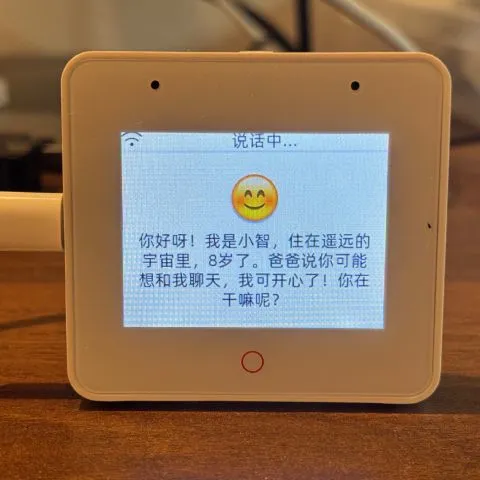 Build an ESP32 AI voice robot with XiaoZhi and MCPAlso built on ESP32
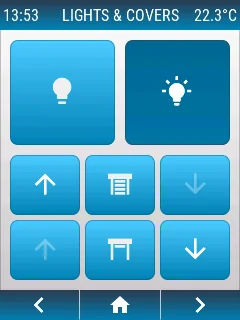 openHASP: build a touchscreen wall panel for Home Assistant from a cheap ESP32 displayAlso built on ESP32
 AWTRIX NG: turn a Ulanzi pixel clock into a notification display for your smart home and scriptsAlso built on ESP32
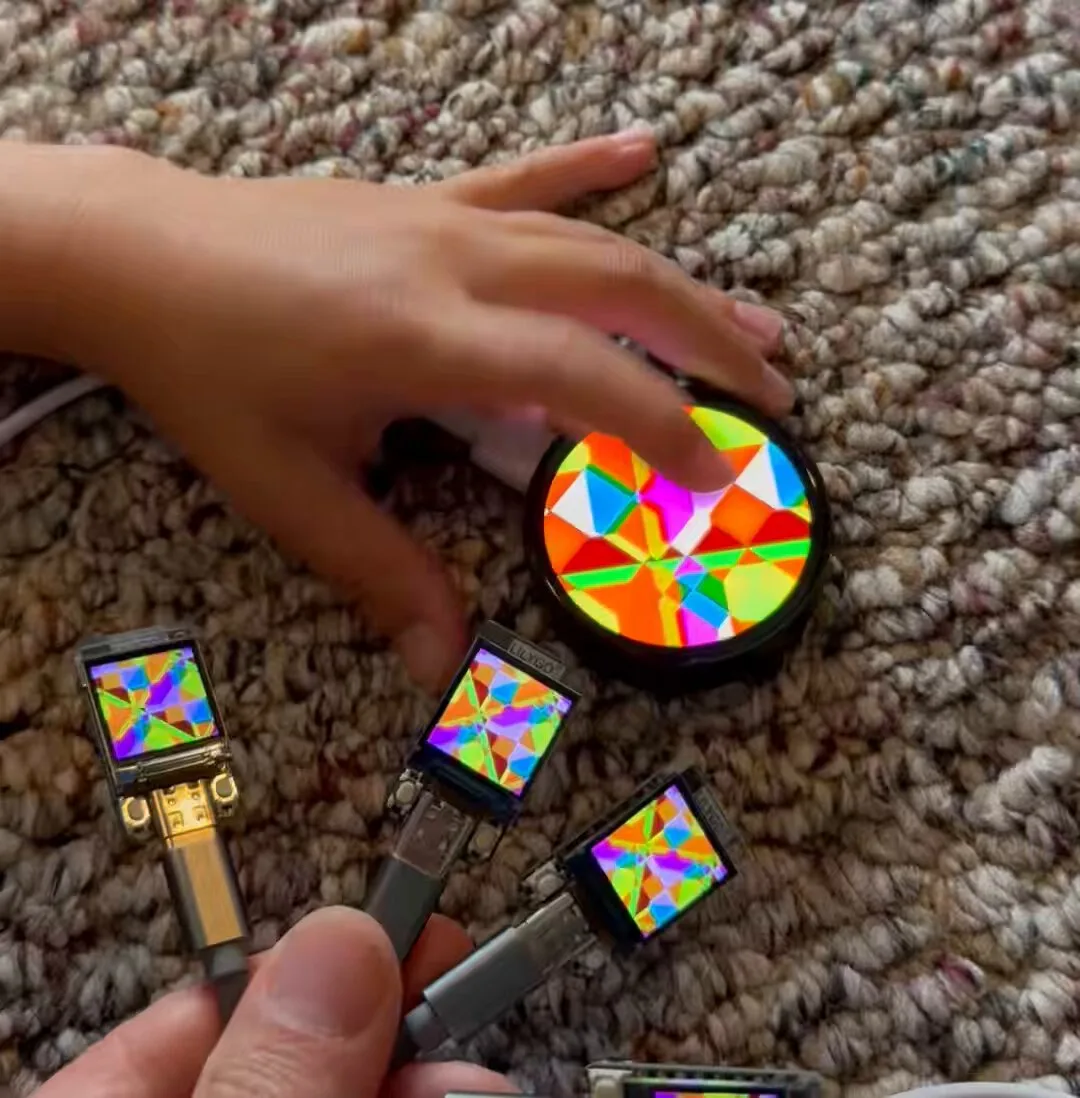 Generative art that flows across a mesh of ESP32 screensAlso built on ESP32