
AWTRIX NG: turn a Ulanzi pixel clock into a notification display for your smart home and scripts
Gadget, Easy
Free firmware for the Ulanzi TC001, TC002 and DIY ESP32 LED matrix clocks that shows notifications sent over HTTP or MQTT from Home Assistant, Node-RED, n8n or a shell script, and runs small apps on the clock itself.
AWTRIX NG is the from-scratch successor to AWTRIX 3, the firmware people flash onto the Ulanzi TC001 pixel clock. It shows the time, the date and its own sensor readings, plus anything you send it. Home Assistant, Node-RED, n8n, a shell script or anything else that speaks HTTP or MQTT can push a notification that appears right away, or an app that takes a turn in the rotation.
Apps can also live on the clock as small Berry scripts you write in its web UI. They fetch data, talk MQTT and keep their state across restarts, so the clock keeps working without a server. The docs include a prompt for asking an AI assistant to write a script for you, and the AWTRIX Hub has hundreds of community scripts and automations. Home Assistant finds the clock through MQTT discovery.
Hardware & cost: A Ulanzi TC001 or TC002, or a clock you build yourself with an ESP32 or ESP32-S3 and an 8-row LED matrix. On the TC002 the speaker can read notifications aloud with an offline voice. The firmware uses the PolyForm Noncommercial 1.0.0 license, and the optional phone app is a one-time purchase.
Difficulty: Easy. The TC001 and DIY clocks install from the browser, and the TC002 has a USB installer.
Agent install prompt (paste into Claude Code, Cursor or Codex): "Read https://github.com/Blueforcer/awtrix-ng and its docs. After I've flashed my clock from the browser, write a shell script that sends a notification to it over HTTP when my build finishes. Use only endpoints from the AWTRIX NG docs."
Source: Blueforcer/awtrix-ng on GitHub, https://github.com/Blueforcer/awtrix-ng (facts checked against the project README, Oct 2026).
Found via Joseph Zhou's AI Hardware list (https://josephzhou.me/ai/).
Quick answers
- What do you need to build AWTRIX NG?
- A Ulanzi TC001 or TC002, or a clock you build yourself with an ESP32 or ESP32-S3 and an 8-row LED matrix. On the TC002 the speaker can read notifications aloud with an offline voice. The firmware uses the PolyForm Noncommercial 1.0.0 license, and the optional phone app is a one-time purchase.
- How hard is AWTRIX NG to build?
- Easy. The TC001 and DIY clocks install from the browser, and the TC002 has a USB installer.
Ideas to try with it
Our ideas, not the builder's claims.
- Flash a red frame when your agent needs approval
- Show today's subscriber count from an n8n workflow
- Count down to your next calendar meeting
- Last commit
- 2026-11-01
- Builder
- Blueforcer
- Repo
- Blueforcer/awtrix-ng, 477 stars
- Built with
- ESP32
Links
What to build next
Builds that share a board, robot or agent with this one.
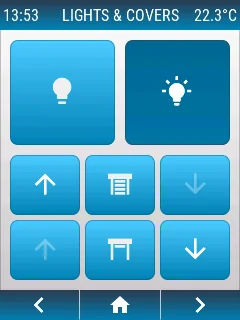 openHASP: build a touchscreen wall panel for Home Assistant from a cheap ESP32 displayAlso built on ESP32
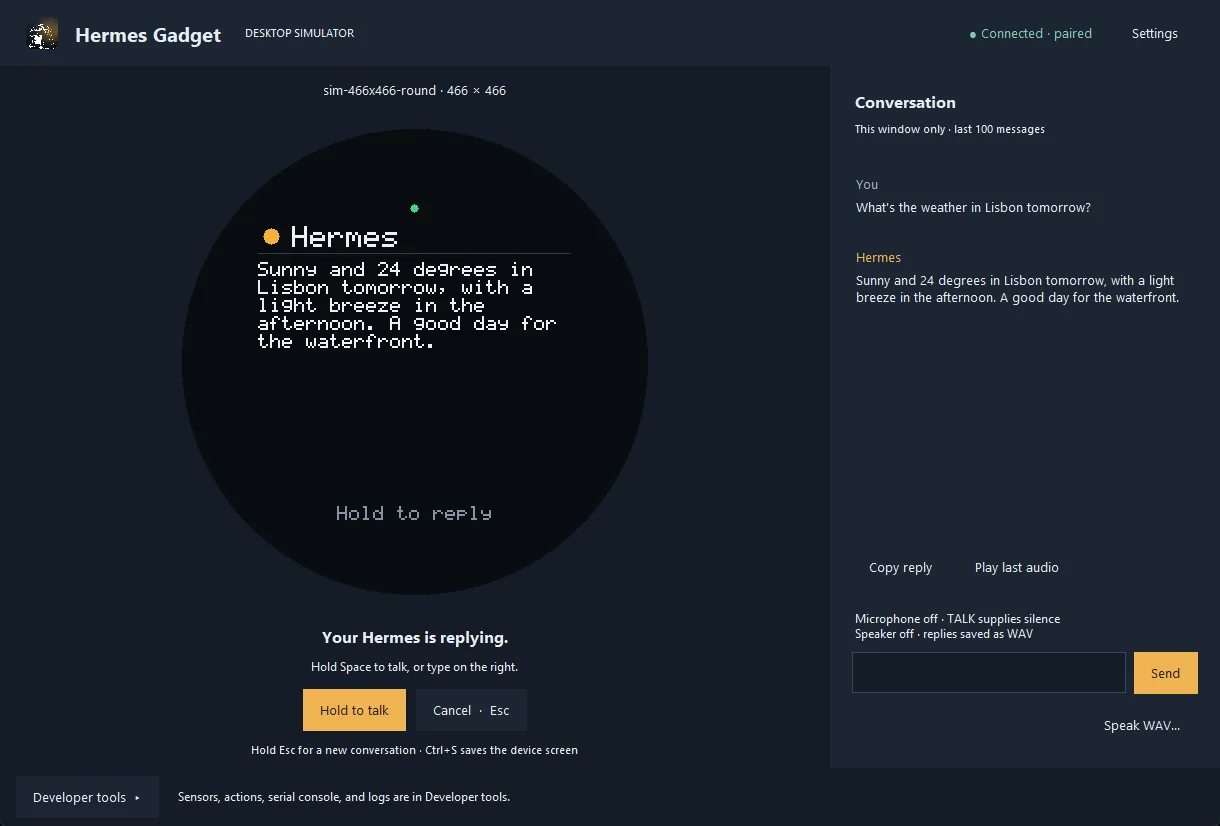 Hermes Gadget: an ESP32 or Raspberry Pi voice body for your Hermes AgentAlso built on ESP32
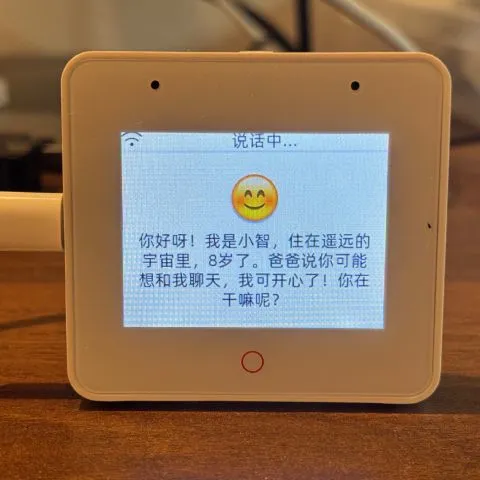 Build an ESP32 AI voice robot with XiaoZhi and MCPAlso built on ESP32
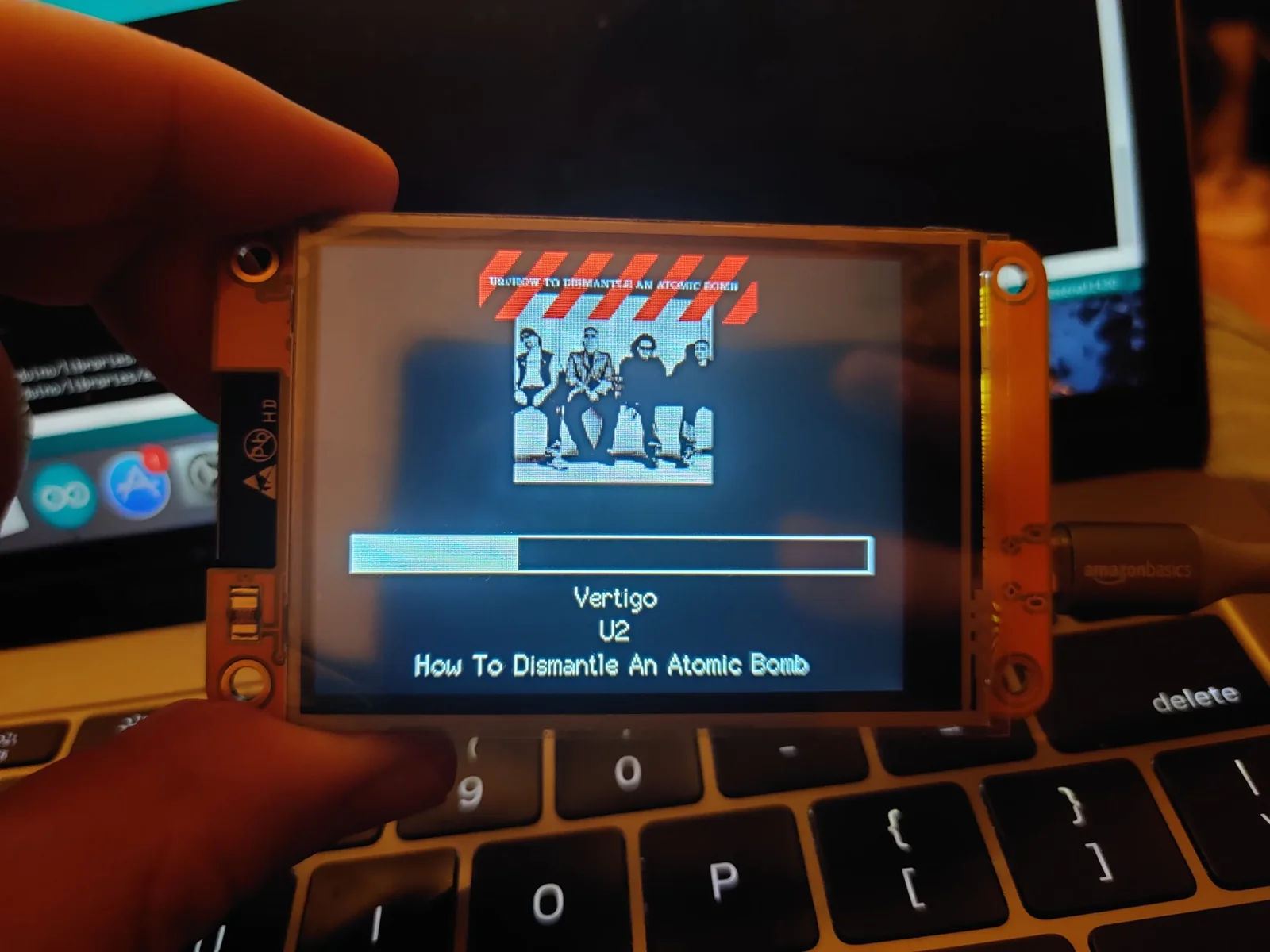 Start with the Cheap Yellow Display: an ESP32 with a built-in touchscreen and a community of projectsAlso built on ESP32
 Reflect: a voice-and-light assistant on an M5Stack CoreS3Also built on ESP32
 WT32-SC01 Plus desk companion: clock, weather and internet radio on an ESP32-S3 touchscreenAlso built on ESP32