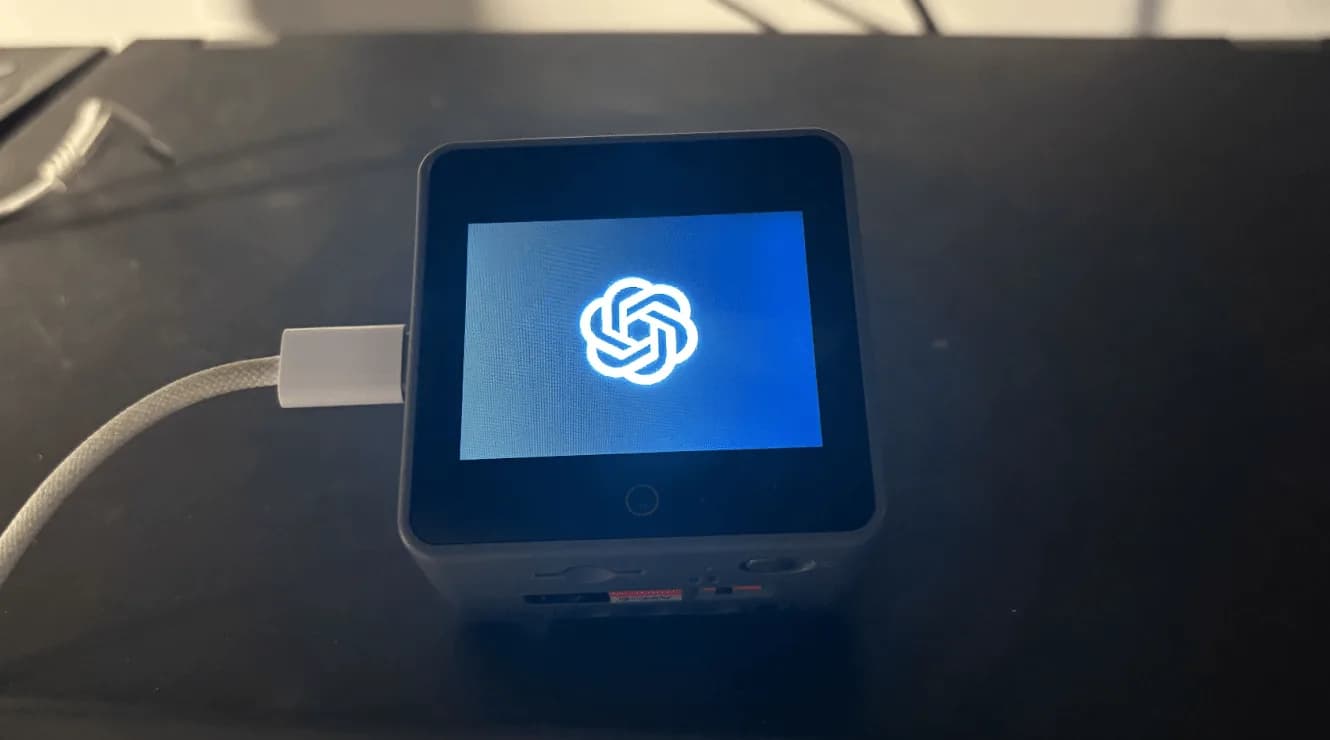
Reflect: a voice-and-light assistant on an M5Stack CoreS3
Gadget, Medium
An OpenAI hackathon project: an M5Stack CoreS3 talks to the Realtime API and answers with sound and colored light from a LIFX bulb. Your phone holds all the state.
Reflect was built during an OpenAI hackathon and is published as-is. The goal was a cheap assistant that talks through sound, light and color instead of a screen. The device stores nothing, and your phone is the key. Example uses from the README include asking about yesterday's calendar events, getting ready for a test tomorrow, and playing music while you study.
It runs on an M5Stack CoreS3 with a LIFX Color A19 bulb. You build with ESP-IDF v5.5 and flash it. The device then opens a Wi-Fi access point called reflect, and you start a session at 192.168.4.1 from your phone. MIT licensed. The README warns it hasn't been reviewed for security or reliability.
How your agent drives it
Copied from the openai/openai-reflect README
- Shell
$ ./install.sh esp32s3
- Shell
$ idf.py flash
Any coding agent that can run a shell can run these. Read the README before you run anything on a robot that moves.
Ideas to try with it
Our ideas, not the builder's claims.
- Have the light turn amber when your robot needs attention
- Ask it what's on tomorrow's calendar before bed
- Swap the bulb for an LED strip on a desk robot
- Last commit
- 2026-03-27
- Builder
- openai
- Repo
- openai/openai-reflect, 200 stars
- Built with
- M5Stack, ESP32-S3
Links
Guides: Codex and ChatGPT hardware projects people actually built · AI hardware for robot and agent builds
What to build next
Builds that share a board, robot or agent with this one.
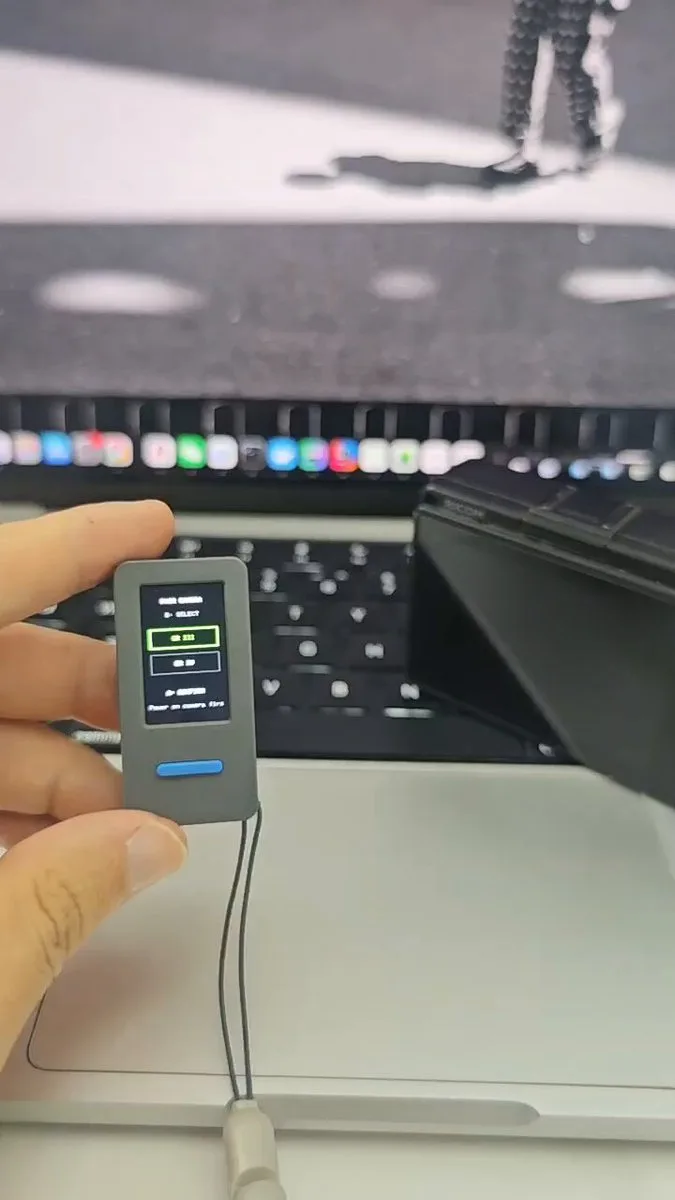 Turn an M5Stack StickS3 into a live-view remote for a RICOH GRAlso built on M5Stack
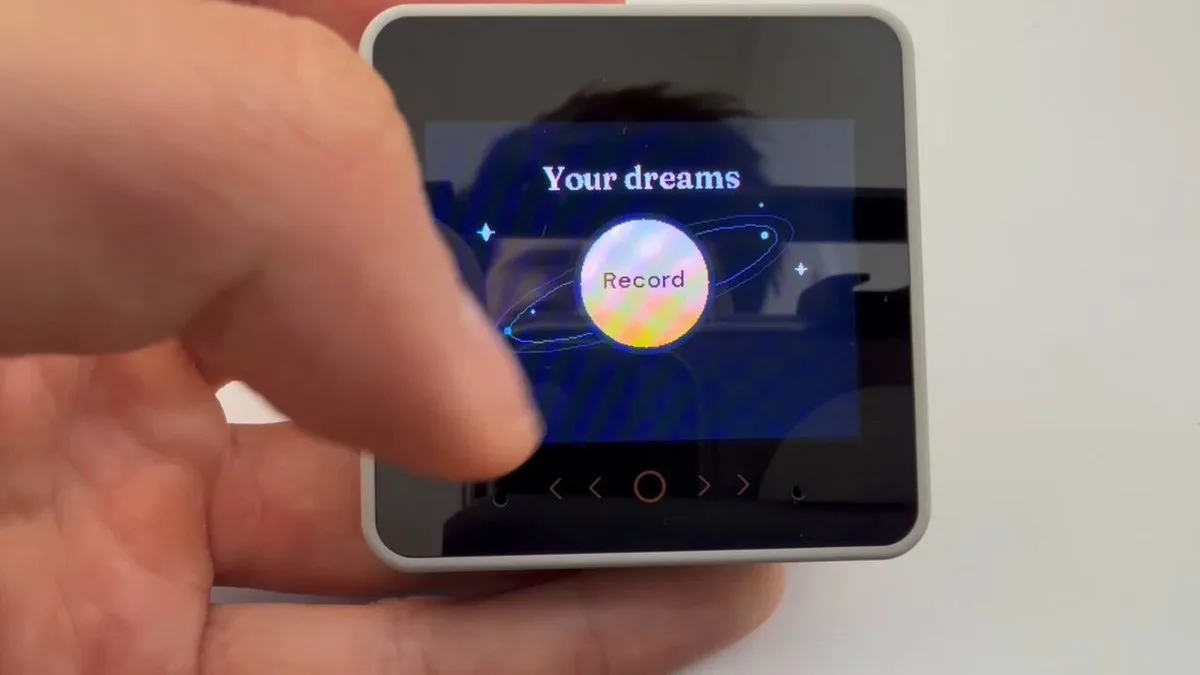 Dream Logger: tell an M5Stack your dream and get four illustrated scenesAlso built on M5Stack
- Talk to the OpenAI Realtime API from an ESP32 over WebRTCAlso built on ESP32
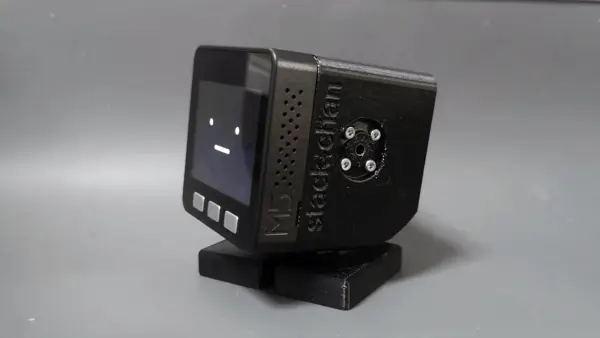 Make Stack-chan, the cute M5Stack desk robotAlso built on M5Stack
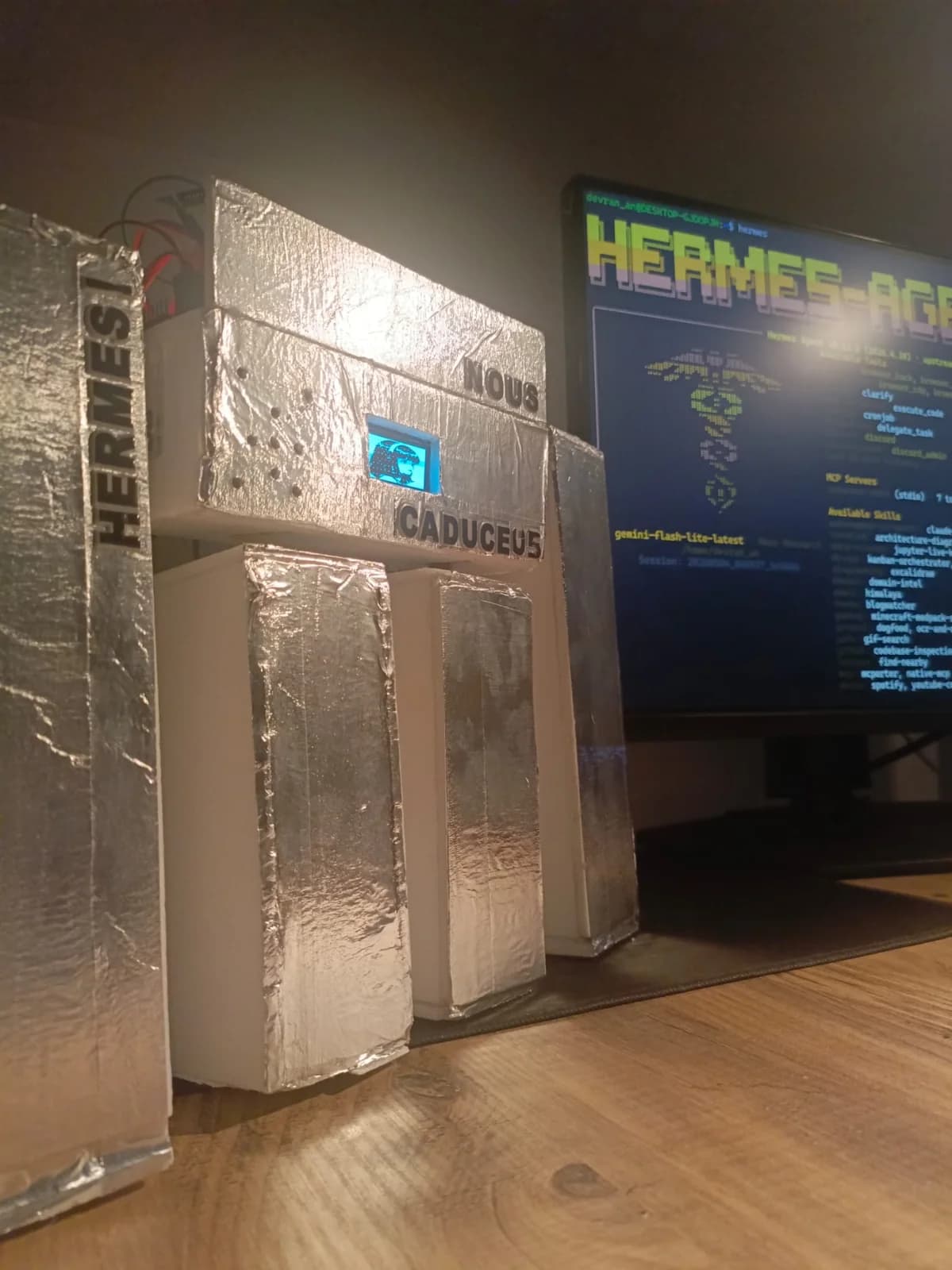 Caduceus: a voice robot body for Hermes Agent, wired up over MCPAlso built on ESP32
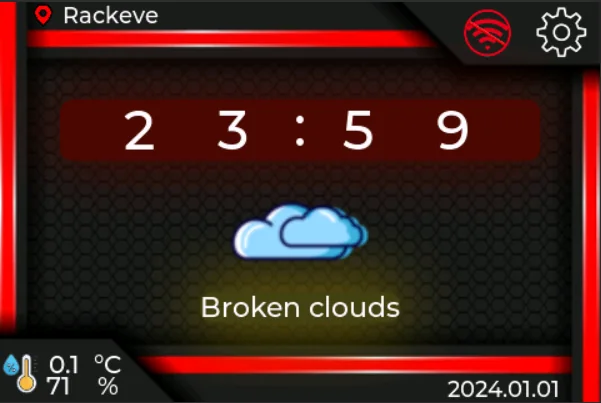 WT32-SC01 Plus desk companion: clock, weather and internet radio on an ESP32-S3 touchscreenAlso built on ESP32