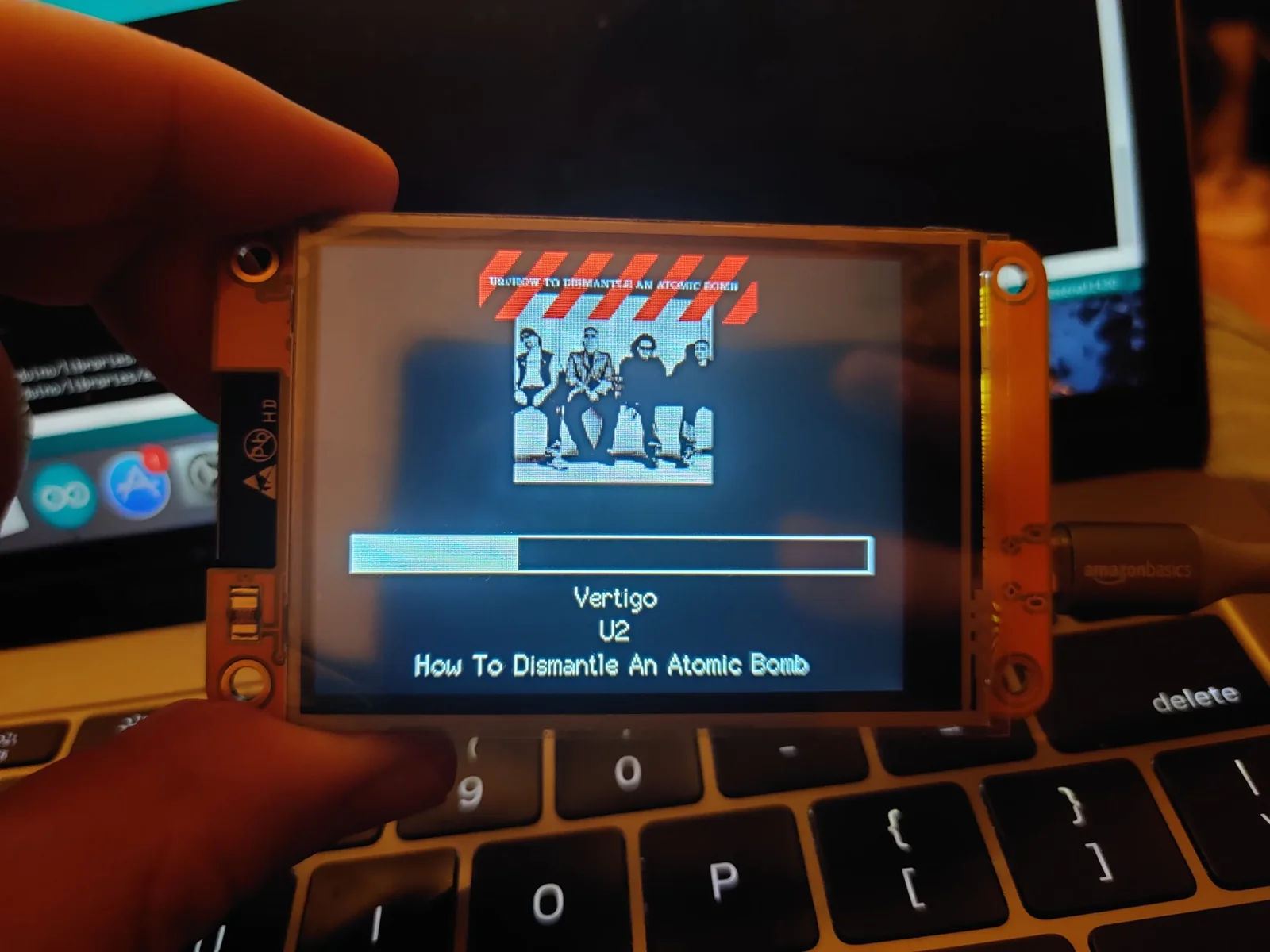
Start with the Cheap Yellow Display: an ESP32 with a built-in touchscreen and a community of projects
Gadget, Easy
The ESP32-2432S028R, nicknamed the Cheap Yellow Display, is an ESP32 with a 2.8-inch touchscreen already attached. A community repo collects setup notes, example code, ESPHome configs and 3D-printed cases for it.
Brian Lough started this repo because the board's own software support was a single zip file on a random website. The CYD is an ESP32 with Wi-Fi and Bluetooth, a 320 x 240 2.8-inch LCD with a resistive touch screen, USB for power and programming, an SD card slot, an LED and a few spare pins. Since everything is already connected, there's no soldering or wiring before your first project.
The repo has a setup and configuration page, basic examples for each feature, examples with other display libraries, ESPHome configs, 3D-printed stands and cases, and a pin map showing which pins are free. It also has a decision tree for telling a real CYD from look-alike boards, and a Discord for help.
Hardware & cost: An ESP32-2432S028R. The README puts it at about $15 delivered, and prices vary by seller. Some of the store links in the README are affiliate links. MIT licensed.
Difficulty: Easy. It suits beginners and anyone who wants to build without assembling hardware.
Agent install prompt (paste into Claude Code, Cursor or Codex): "Open https://github.com/witnessmenow/ESP32-Cheap-Yellow-Display, follow SETUP.md to set up Arduino for my CYD, and flash the basic touch example from Examples/Basics. Ask before flashing."
Source: witnessmenow/ESP32-Cheap-Yellow-Display on GitHub, https://github.com/witnessmenow/ESP32-Cheap-Yellow-Display (facts checked against the project README, Oct 2026).
Found via Joseph Zhou's AI Hardware list (https://josephzhou.me/ai/).
Quick answers
- What do you need to start with the Cheap Yellow Display?
- An ESP32-2432S028R. The README puts it at about $15 delivered, and prices vary by seller. Some of the store links in the README are affiliate links. MIT licensed.
- How hard is it to start with the Cheap Yellow Display?
- Easy. It suits beginners and anyone who wants to build without assembling hardware.
Ideas to try with it
Our ideas, not the builder's claims.
- Make it a face for an ESP32 desk robot
- Show your agent's current task and a big approve button
- Run openHASP on it as a cheap Home Assistant panel
- Last commit
- 2026-09-18
- Builder
- witnessmenow
- Repo
- witnessmenow/ESP32-Cheap-Yellow-Display, 4,592 stars
- Built with
- ESP32
Links
What to build next
Builds that share a board, robot or agent with this one.
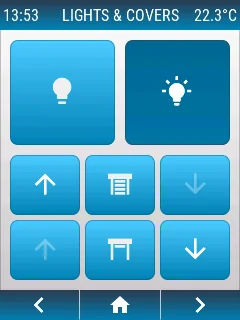 openHASP: build a touchscreen wall panel for Home Assistant from a cheap ESP32 displayAlso built on ESP32
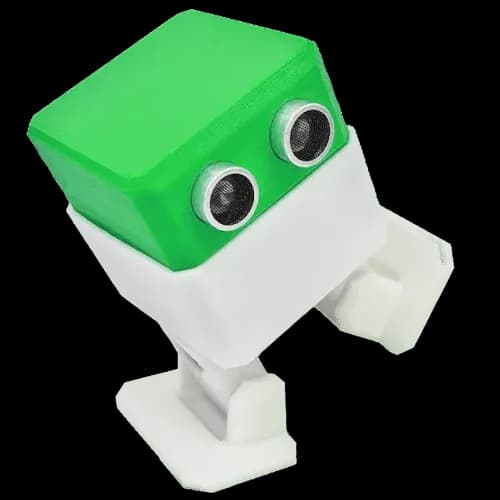 Build Otto, a tiny 3D-printed walking robot for kids and makersAlso built on ESP32
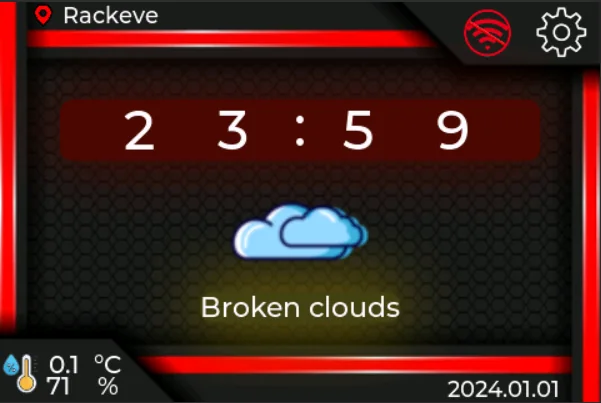 WT32-SC01 Plus desk companion: clock, weather and internet radio on an ESP32-S3 touchscreenAlso built on ESP32
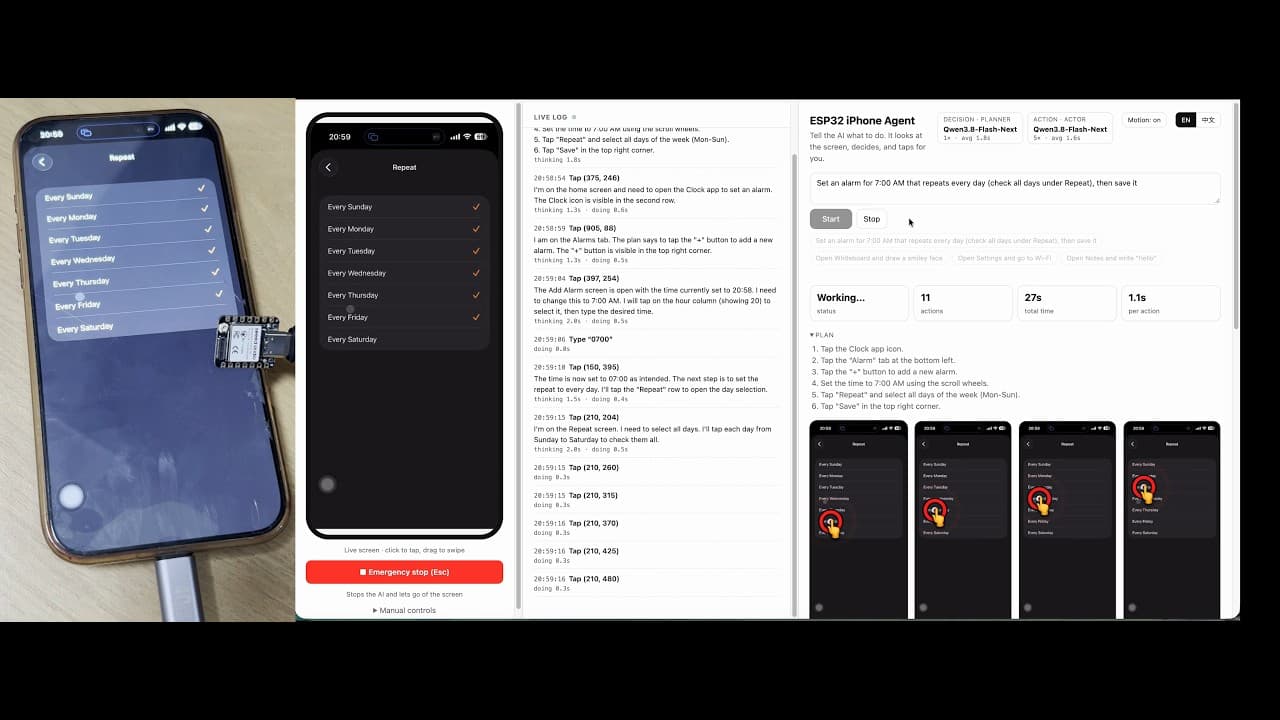 Let an AI agent use a real iPhone with a $7 ESP32Also built on ESP32
 AWTRIX NG: turn a Ulanzi pixel clock into a notification display for your smart home and scriptsAlso built on ESP32
 Reflect: a voice-and-light assistant on an M5Stack CoreS3Also built on ESP32