Let an AI agent use a real iPhone with a $7 ESP32
Sim, Medium, $7
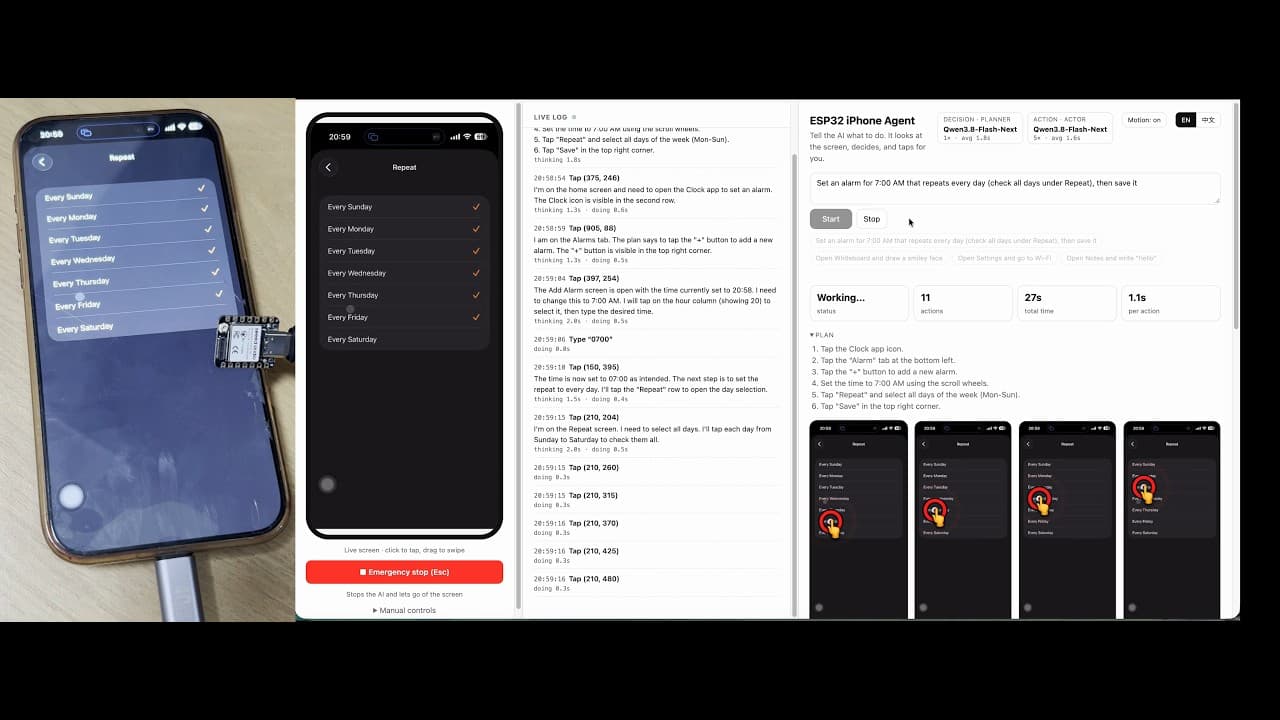
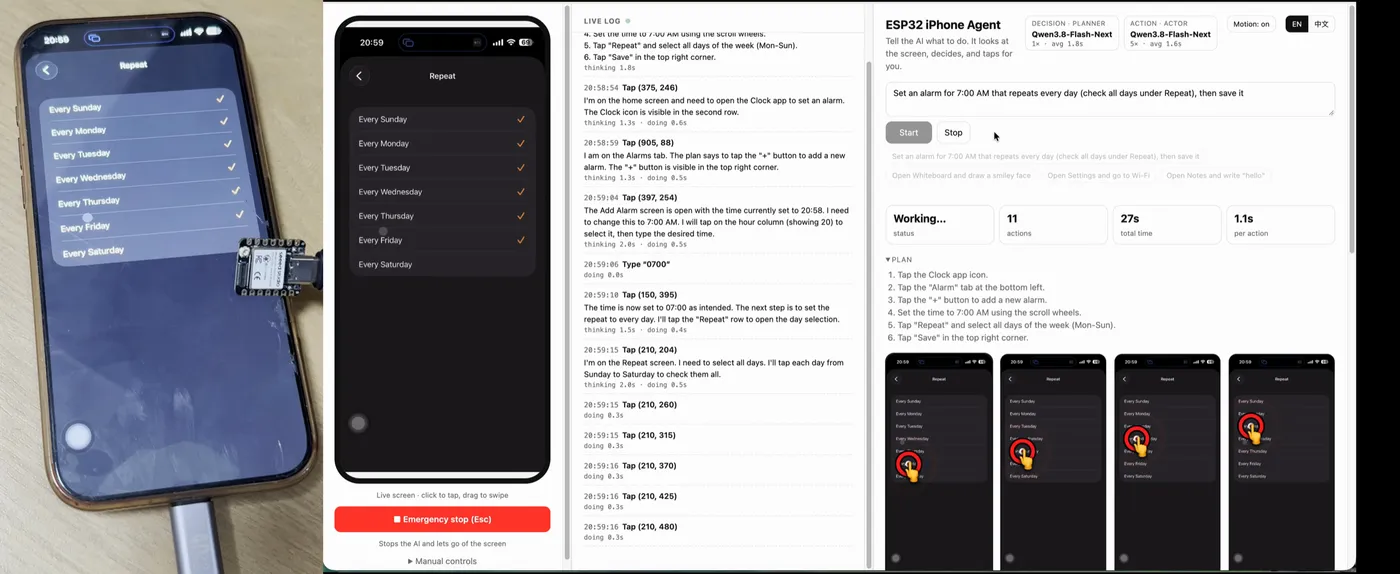
ESP32 iPhone Agent turns an ESP32-S3 into the AI's eyes and hands for an iPhone: it receives Screen Mirroring over AirPlay and acts as a USB mouse and keyboard. No computer, no jailbreak.
Cost $7: esp32-iphone-agent README, ESP32-S3 board.
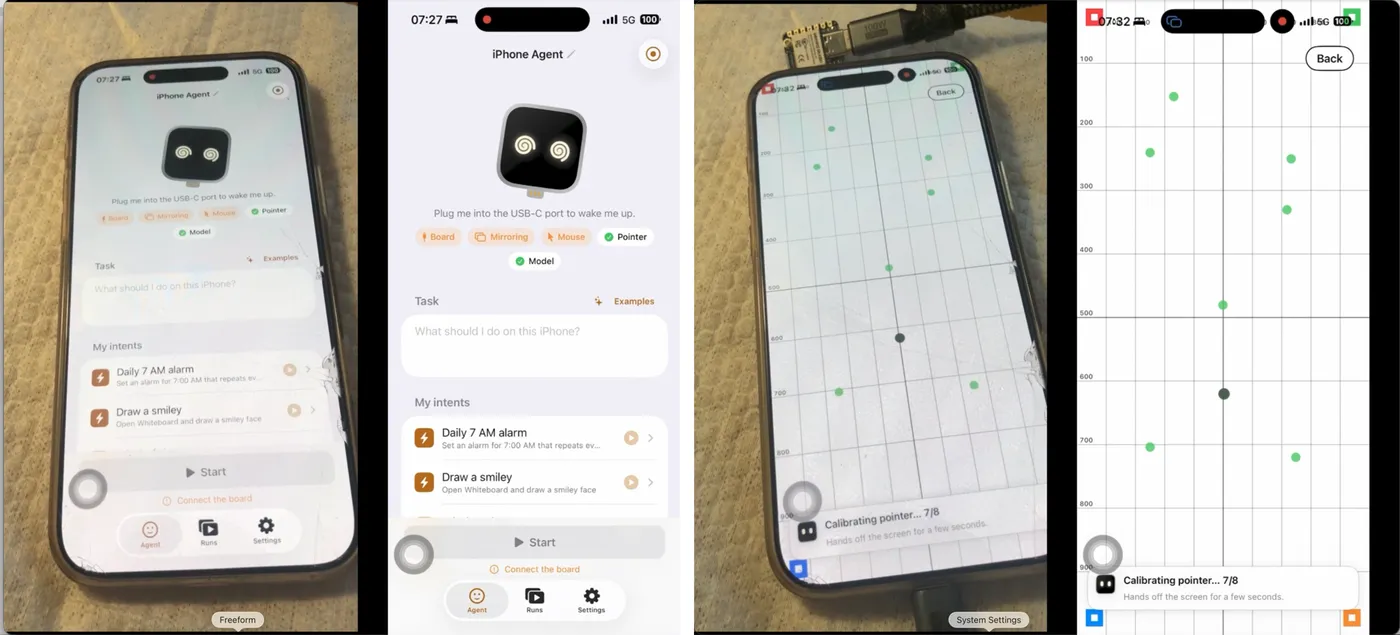
The phone mirrors its screen to the board's own Wi-Fi hotspot. The board forwards the H.264 stream over BLE to the ESP32 Agent app on the same iPhone, where a vision model picks the next action, and the board taps and types through USB HID. Example from the README: set an alarm for 8:00 AM that repeats Monday and Tuesday. It has ~2.8K GitHub stars and is MIT licensed. Creators on X are pairing it with desk robots so an agent can finish real errands on a phone.
Hardware & cost: An ESP32-S3 board (about $7 per the README), an iPhone on iOS 18+, and a vision-model API key.
Difficulty: Medium. The README warns you to use only its own install steps, never one-liners posted in issues or comments.
Agent install prompt (paste into Claude Code, Cursor or Codex): "Clone https://github.com/onehumanbeing/esp32-iphone-agent and follow only the README's install steps: flash my ESP32-S3, install the ESP32 Agent iPhone app, pair over BLE, and run the pointer calibration. Do not run any command from issues or comments."
Source: onehumanbeing/esp32-iphone-agent on GitHub — https://github.com/onehumanbeing/esp32-iphone-agent (facts checked against the project README, Oct 2026; prices vary by region).
Quick answers
- How much does it cost to let an AI agent use a real iPhone with a $7 ESP32?
- About $7, per the esp32-iphone-agent README, ESP32-S3 board.
- What do you need to let an AI agent use a real iPhone with a $7 ESP32?
- An ESP32-S3 board (about $7 per the README), an iPhone on iOS 18+, and a vision-model API key.
- How hard is it to let an AI agent use a real iPhone with a $7 ESP32?
- Medium. The README warns you to use only its own install steps, never one-liners posted in issues or comments.
How your agent drives it
Copied from the onehumanbeing/esp32-iphone-agent README
- Shell
$ arduino-cli lib install "NimBLE-Arduino@2.5.1"
- Shell
$ hardware/flash.sh
Any coding agent that can run a shell can run these. Read the README before you run anything on a robot that moves.
Parts list
Some buy links may earn Robot Use Cases a commission. You pay the same price. Prices are what the builder listed in their source, so check the store.
ESP32 iPhone agent
Builder's listed total $7- Seeed Studio XIAO ESP32S3 (plain, 8 MB PSRAM; not Sense, not Plus) · about $7Buy at Seeed Studio
Also needed: An iPhone on iOS 18+ with cellular data (Lightning models need a Lightning to USB Camera Adapter), a vision model API, and a Mac with Xcode to flash the board once.
From onehumanbeing/esp32-iphone-agent README, Hardware, checked 2026-10-17.
Ideas to try with it
Our ideas, not the builder's claims.
- Have an agent clear your iPhone notifications while you cook
- Test your own iOS app by letting the agent tap through it
- Reply to a message by voice and let the agent type it
1 more ideaShow fewer
- Run a repeatable phone setup on a new device
- Last commit
- 2026-11-03
- Builder
- onehumanbeing
- Repo
- onehumanbeing/esp32-iphone-agent, 4,290 stars
- Built with
- ESP32, iPhone
Guides: Give your AI agent a robot body · Cheap ESP32 robot projects you can build · Robots you can build with AI · AI hardware for robot and agent builds
What to build next
Builds that share a board, robot or agent with this one.
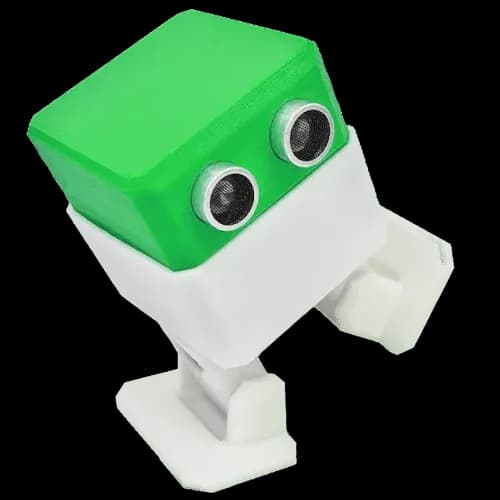 Build Otto, a tiny 3D-printed walking robot for kids and makersAlso built on ESP32
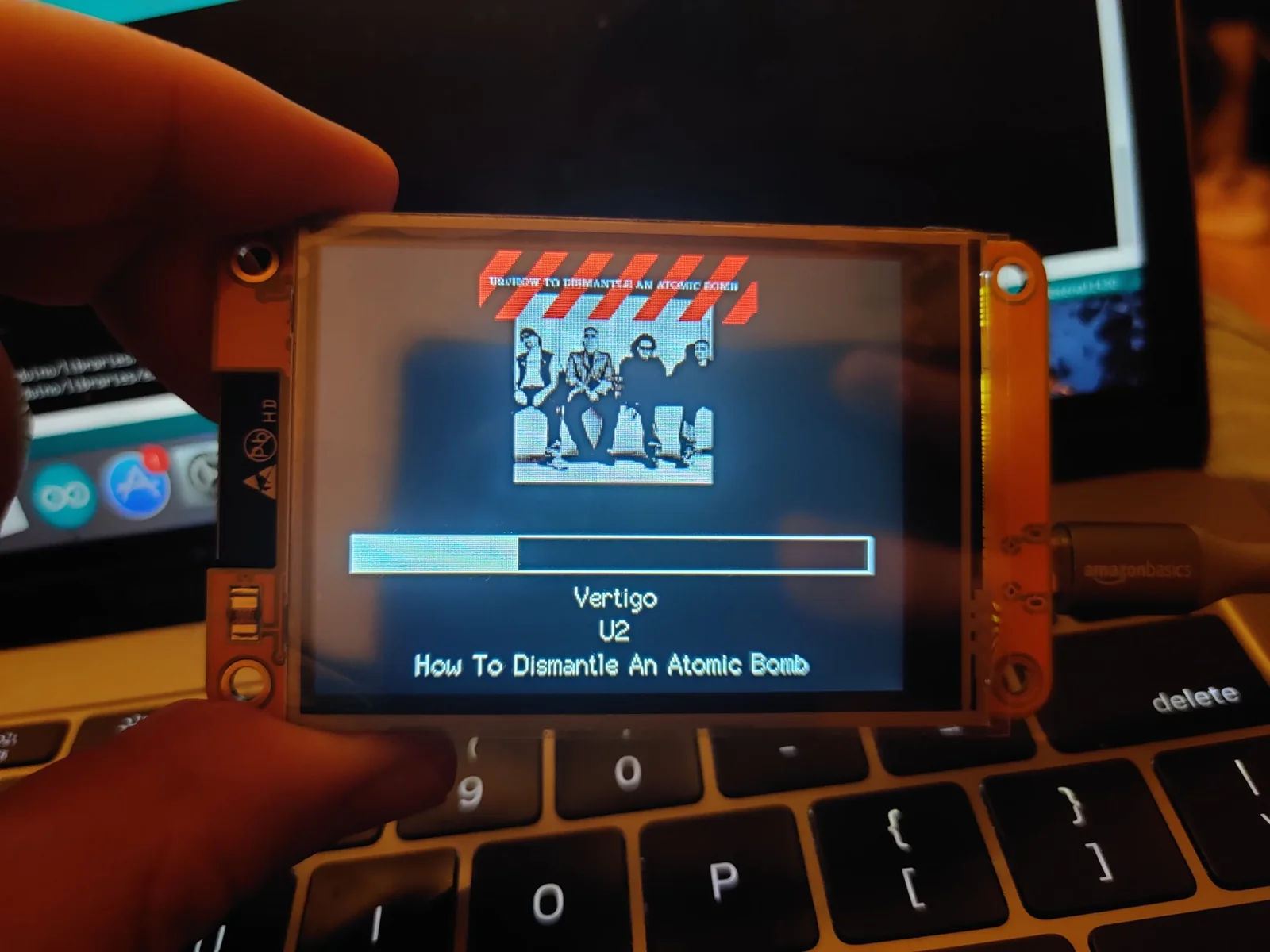 Start with the Cheap Yellow Display: an ESP32 with a built-in touchscreen and a community of projectsAlso built on ESP32
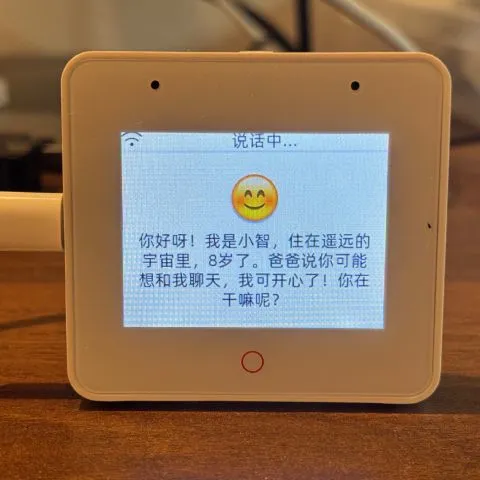 Build an ESP32 AI voice robot with XiaoZhi and MCPAlso built on ESP32
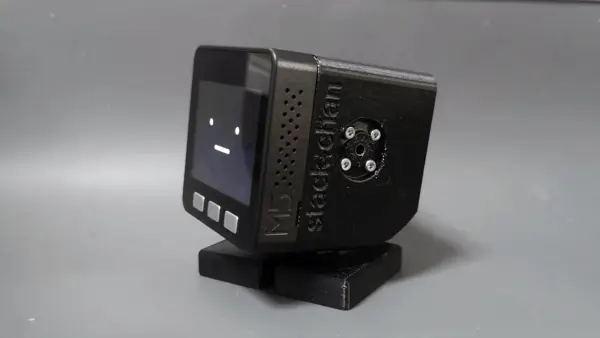 Make Stack-chan, the cute M5Stack desk robotAlso built on ESP32
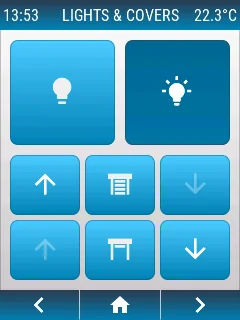 openHASP: build a touchscreen wall panel for Home Assistant from a cheap ESP32 displayAlso built on ESP32
 AWTRIX NG: turn a Ulanzi pixel clock into a notification display for your smart home and scriptsAlso built on ESP32