Install kit
Hermes Gadget: an ESP32 or Raspberry Pi voice body for your Hermes Agent
Hermes Gadget is MIT-licensed firmware and an SDK that turns an ESP32-S3 board or Raspberry Pi 4/5 into a hold-to-talk voice body for your own Hermes Agent. Try the desktop simulator first; there is no single kit price.
Platforms
- desktop-simulator
- esp32-s3
- raspberry-pi-4
- raspberry-pi-5
Safety
- Check the project's hardware verification table for your exact board revision
- No wake word; the device only listens while TALK is held
Give Hermes a voice body (Hermes Gadget)
Goal: A small screen and a TALK button wired to your own Hermes Agent. Try it in the desktop simulator first, then move it to an ESP32-S3 board or a Raspberry Pi 4/5.
Source: Adolanium/hermes-gadget-sdk (MIT). Every command below is copied from that README.
Hardware checklist
- [ ] A computer with Python 3.10+, CMake 3.16+ and a C++17 compiler (simulator only, no board)
- [ ] Hermes Agent with the Gadget plugin, for real conversations
- [ ] Later: a supported ESP32-S3 board or Raspberry Pi 4/5, a USB data cable, 2.4 GHz Wi-Fi, and Chrome or Edge for the browser installer
30-minute path
- Clone https://github.com/Adolanium/hermes-gadget-sdk and activate a Python environment at the repo root.
- Install:
python -m pip install -e ".[dev]" - Build and test the simulator:
hermes-gadget build-sim --test - Start the demo server with pairing:
hermes-gadget devserver --pairing - In a second terminal with the same environment:
hermes-gadget sim --url ws://127.0.0.1:8765/gadget --board sim-466x466-round - Type
approve <CODE>in the first terminal, using the code on the device. Type a message in the simulator and a streamed echo comes back. - Follow the repo's Connect Hermes guide (docs/connect-hermes.md) to swap the demo server for your own Hermes Agent.
- When you have a board, flash it from the browser installer: https://adolanium.github.io/hermes-gadget-sdk/installer.html
Safety and limits
- Hardware ports count as experimental until the project's verification table lists your exact board revision. Check docs/hardware-validation.md before you buy.
- There's no wake word. You hold TALK to speak.
- Voice needs speech recognition and text-to-speech set up in Hermes. The demo server only gives scripted replies.
- It's a community project. The README says it isn't affiliated with or endorsed by Nous Research.
Files
kit.yaml,agent-skill.md
What to build next
Builds that share a board, robot or agent with this one.
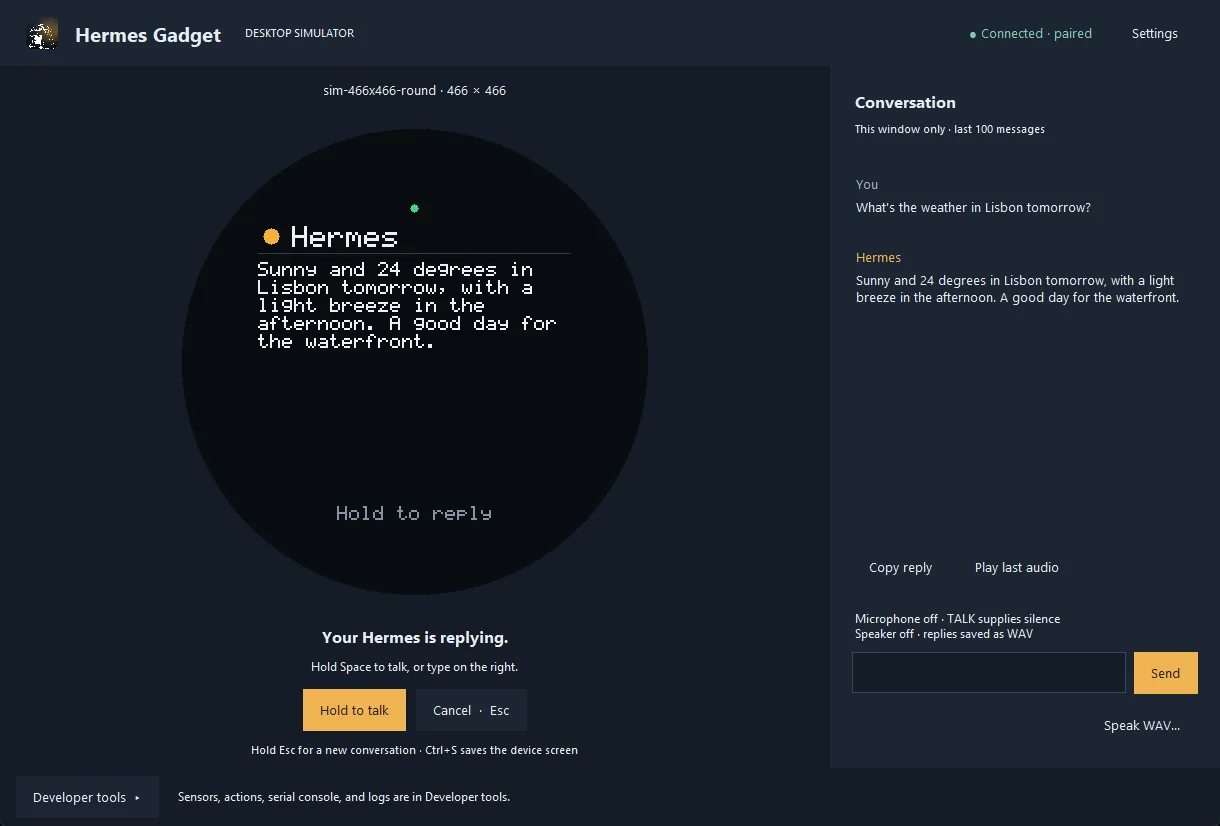 Hermes Gadget: an ESP32 or Raspberry Pi voice body for your Hermes AgentThe build this kit installs
 JARVIS Desk Bot: a talking ESP32 desk robot for your AI agentAlso for Hermes Agent
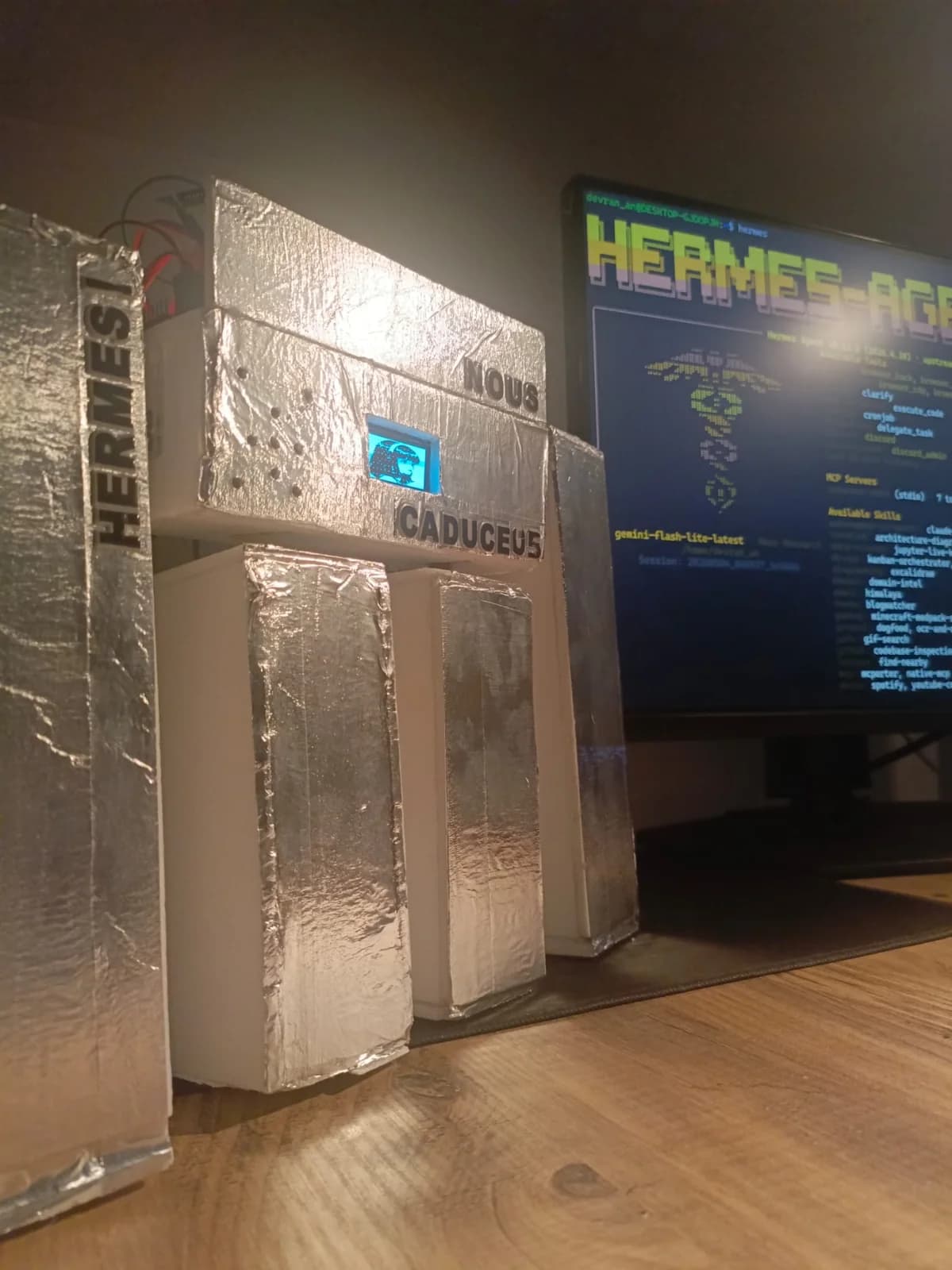 Caduceus: a voice robot body for Hermes Agent, wired up over MCPAlso for Hermes Agent
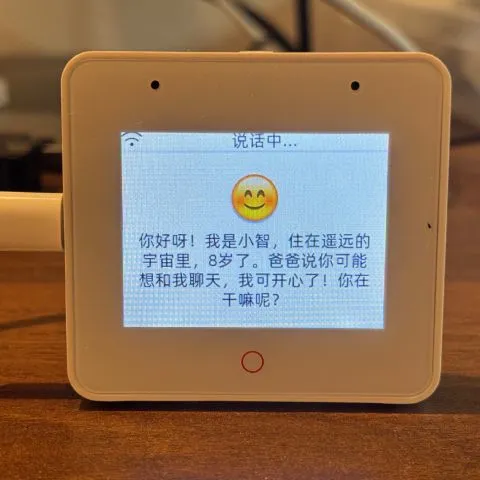 Build an ESP32 AI voice robot with XiaoZhi and MCPAlso built on ESP32
 openHASP: build a touchscreen wall panel for Home Assistant from a cheap ESP32 displayAlso built on ESP32
 AWTRIX NG: turn a Ulanzi pixel clock into a notification display for your smart home and scriptsAlso built on ESP32
Kit files
Each file opens as plain text you can save or copy. The easiest way in is the button below: it copies a prompt that points your agent at agent-skill.md here.