AIfred: a robot arm + projector that puts ChatGPT on your desk
Arm, Hard
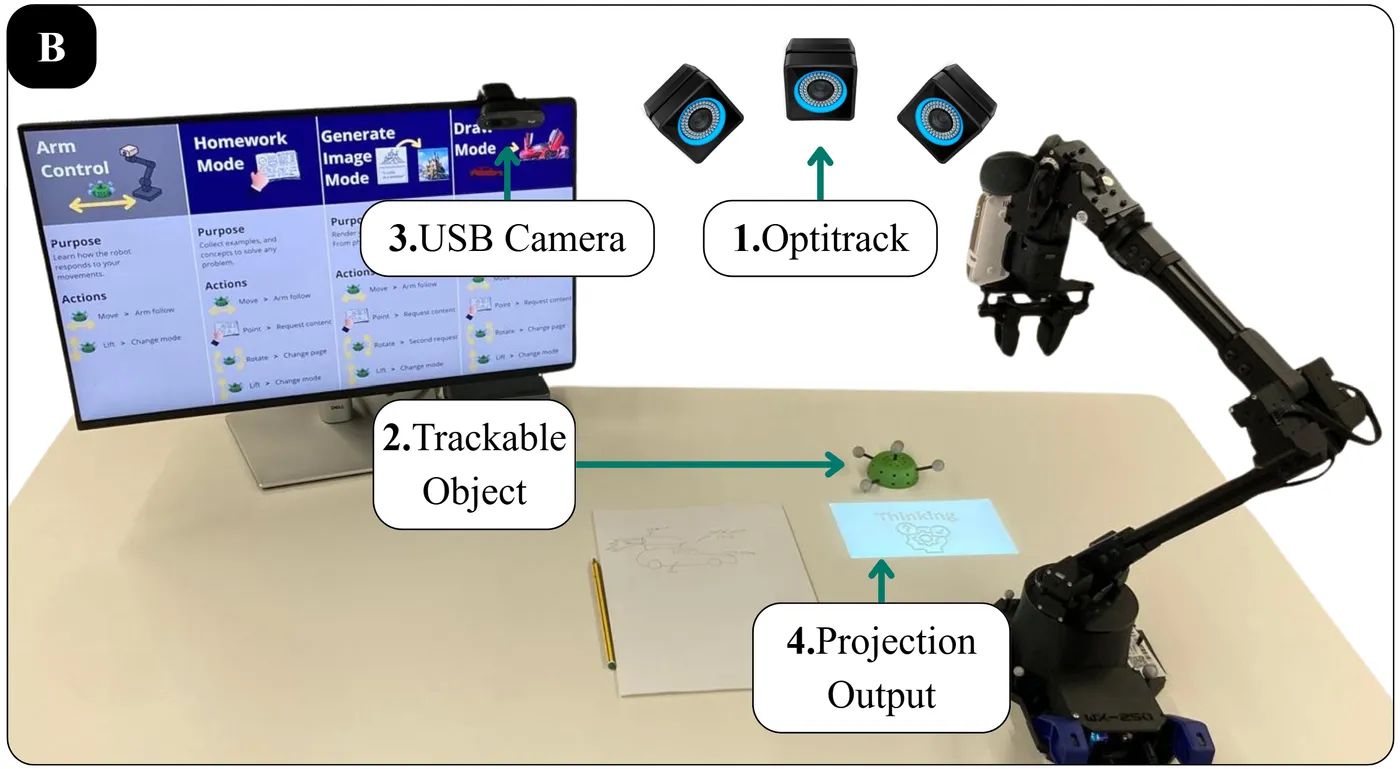
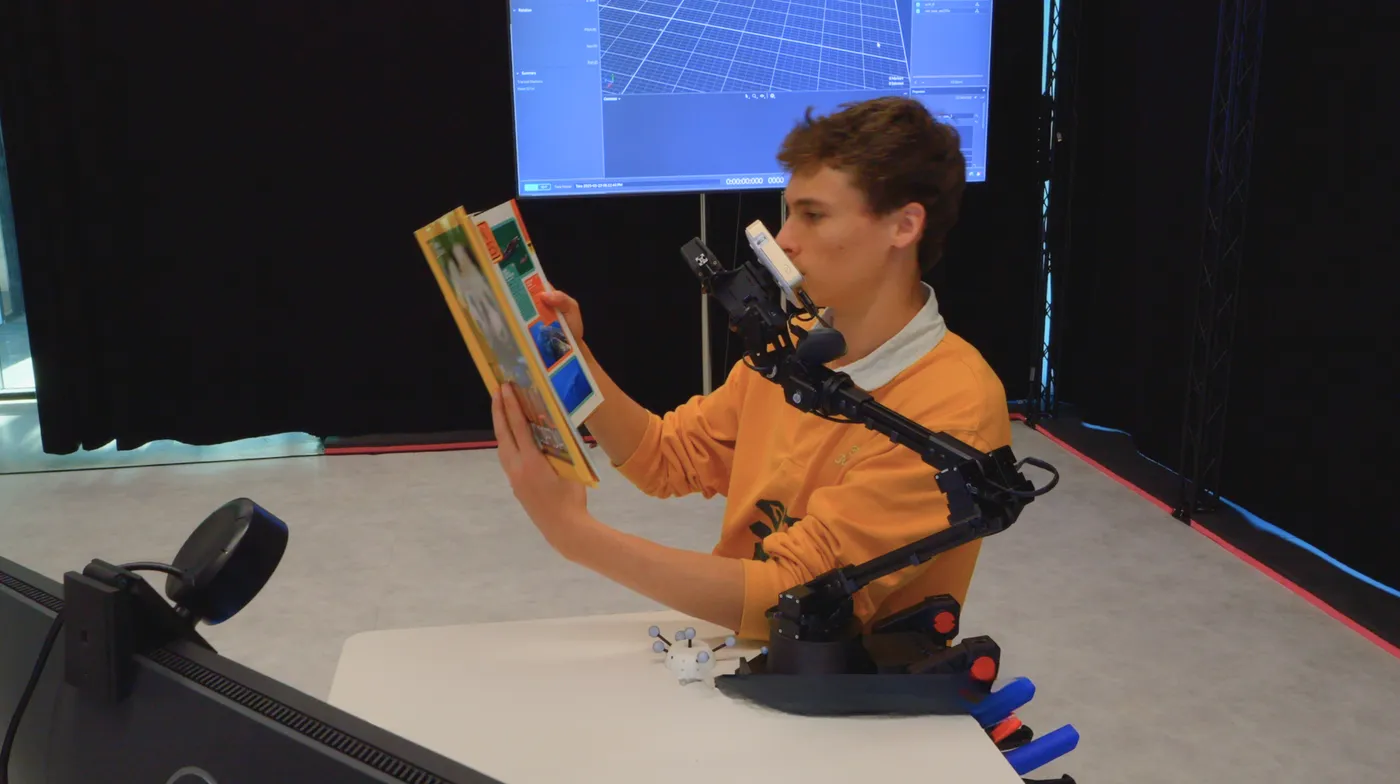
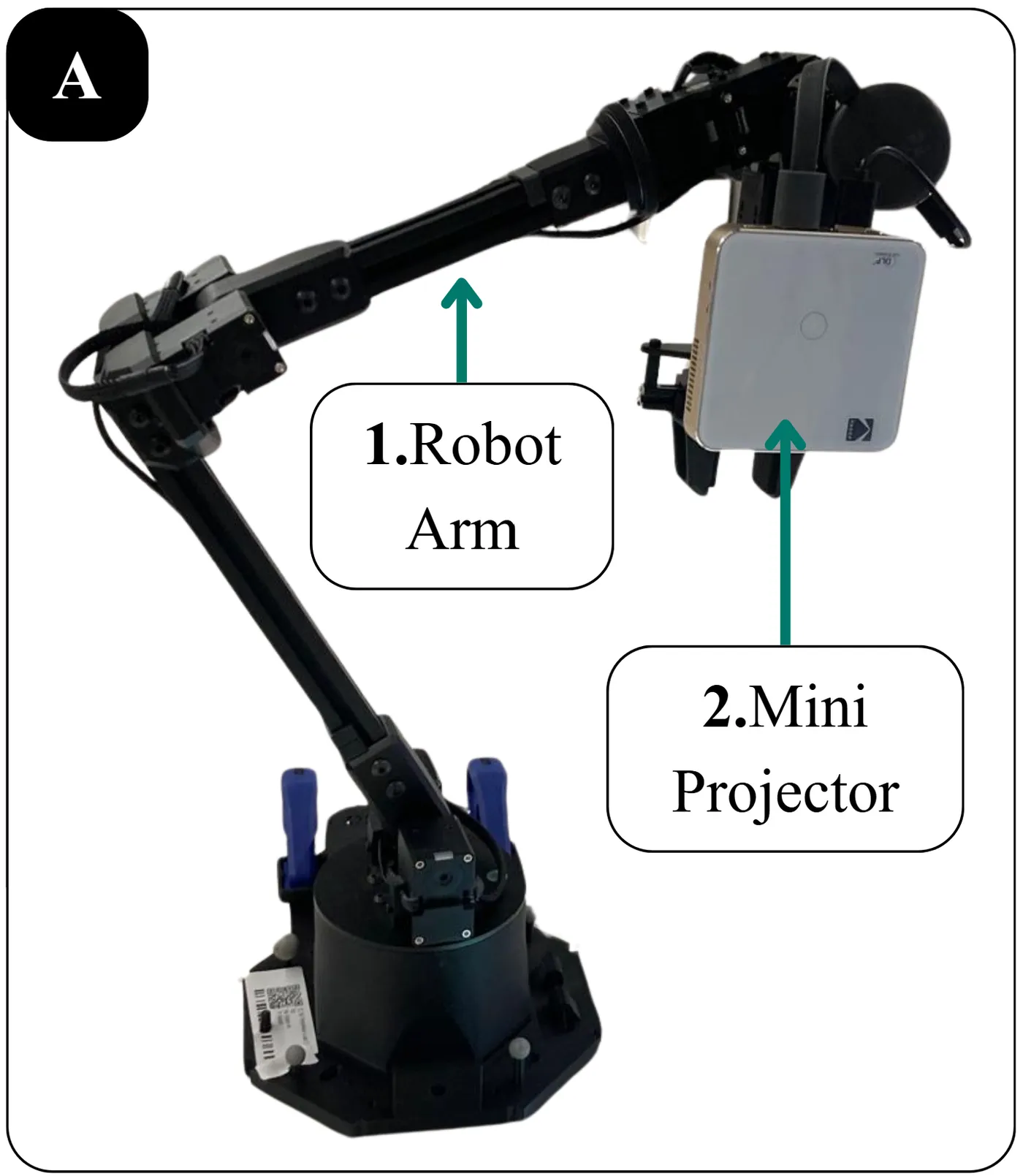
AIfred is a desk robot lamp: a robotic arm carrying a mini projector and an overhead camera that sees your handwritten work and projects AI help (math hints, generated images, drawing guides) right beside it.
Built at CyPhy Life, IE University, AIfred has three modes: Homework (explanations next to your notebook), Generate Image (turn sketches into rendered images projected on the table), and Draw (the arm aligns guide videos on your paper). In the authors' 36-person study, it matched ChatGPT-on-a-laptop while help was on, and gave 60% higher learning transfer after help was removed (7.0 vs 4.4 out of 10). The paper is submitted to ICRA 2027.
Hardware & cost: A Trossen WX250s robotic arm, a mini projector, an overhead USB camera, and a PC. The research setup also used OptiTrack motion capture. That's a research-grade budget (the arm alone costs thousands); a cheaper remix could try an SO-101 holding a pico projector.
Difficulty: Hard.
Agent install prompt (paste into Claude Code, Cursor or Codex): "Clone https://github.com/IERoboticsAILab/AIfred, read the README and project page (aifred.cyphy.life), list the hardware and software dependencies, and help me run the Homework mode with just a webcam and projector before adding the arm."
Seen on X: https://x.com/Gringorlando/status/2110765202689941949 · Project: https://aifred.cyphy.life
Source: IERoboticsAILab/AIfred on GitHub — https://github.com/IERoboticsAILab/AIfred (facts checked against the project README, Oct 2026; prices vary by region).
Quick answers
- What do you need to build AIfred?
- A Trossen WX250s robotic arm, a mini projector, an overhead USB camera, and a PC. The research setup also used OptiTrack motion capture. That's a research-grade budget (the arm alone costs thousands); a cheaper remix could try an SO-101 holding a pico projector.
- How hard is AIfred to build?
- Hard.
How your agent drives it
Copied from the IERoboticsAILab/AIfred README
- Shell
$ roslaunch alfred_clever_lamp demo.launch use_rviz:=true use_sim:=true clientIP:=<your_ip>
- Shell
$ roslaunch alfred_clever_lamp demo.launch
Any coding agent that can run a shell can run these. Read the README before you run anything on a robot that moves.
Ideas to try with it
Our ideas, not the builder's claims.
- Project a math hint next to the problem you're stuck on
- Project a drawing guide onto paper and trace it
- Light up the part of a worksheet you skipped
1 more ideaShow fewer
- Run the demo in simulation before you build the lamp
- Last commit
- 2026-10-30
- Builder
- IERoboticsAILab
- Repo
- IERoboticsAILab/AIfred, 1 stars
- Built with
- Trossen WX250s, Webcam + projector
Guides: Robots you can build with AI
What to build next
Builds that share a board, robot or agent with this one.
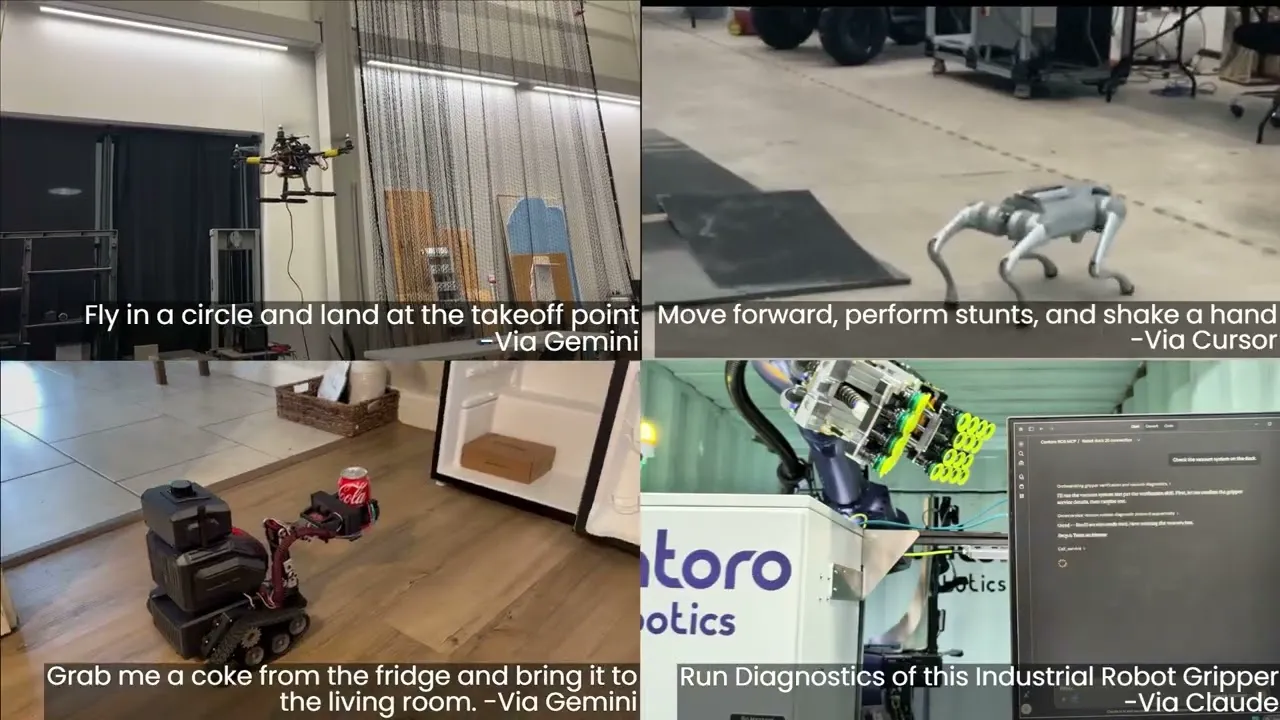 Control any ROS robot from Claude or ChatGPT with ROS MCP ServerAlso for ChatGPT
- Project Tabletop: turn your floor into a projected football pitchAlso built on a projector
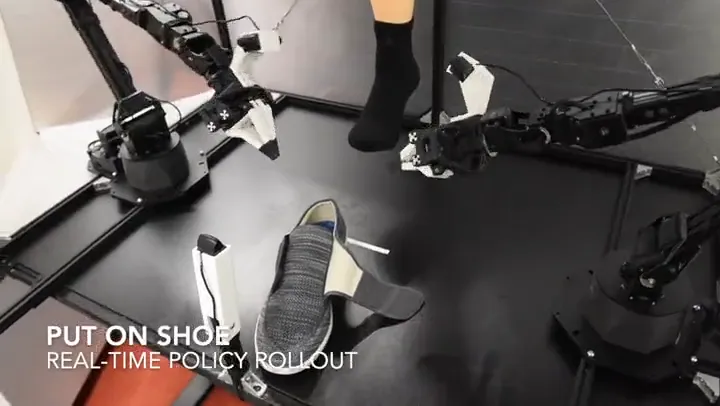 Teleoperate two arms at once with ALOHAAnother robot arm
 Run SmolVLA on an SO-101 so it follows plain-English tasksAnother robot arm
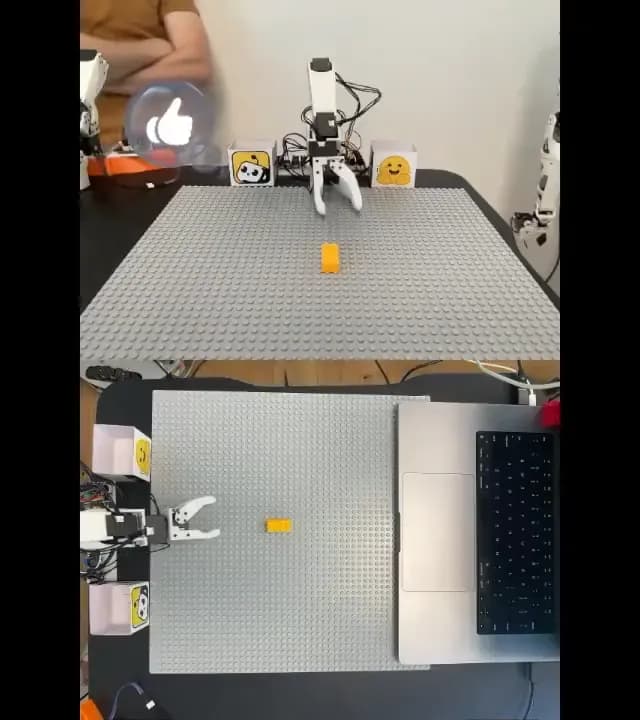 Teach an SO-101 arm to pick and place with LeRobotAnother robot arm
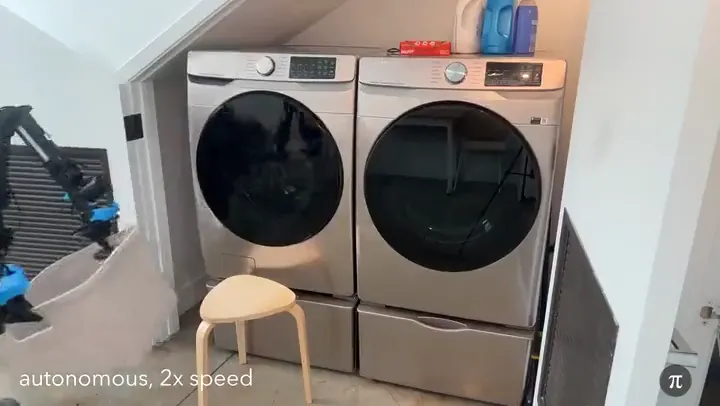 Fine-tune Physical Intelligence's π0 model for your robotAnother robot arm