Put an SO-101 arm on wheels with LeKiwi
Wheeled, Hard
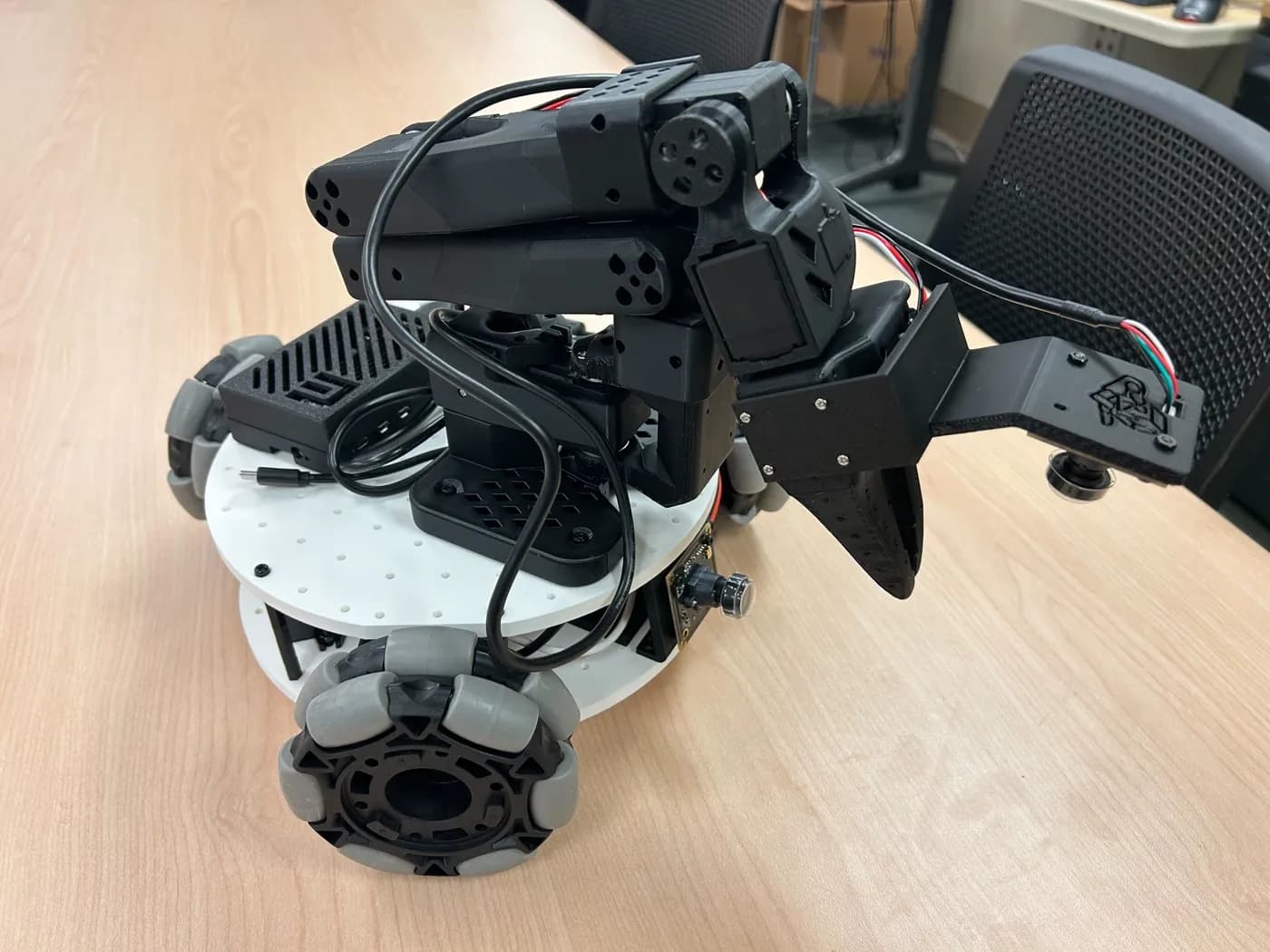
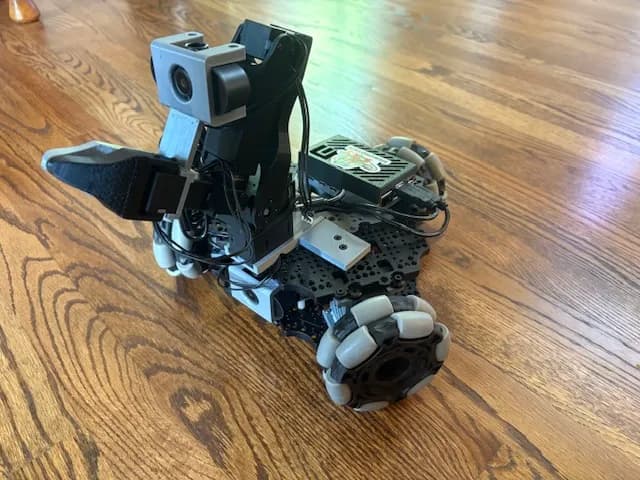
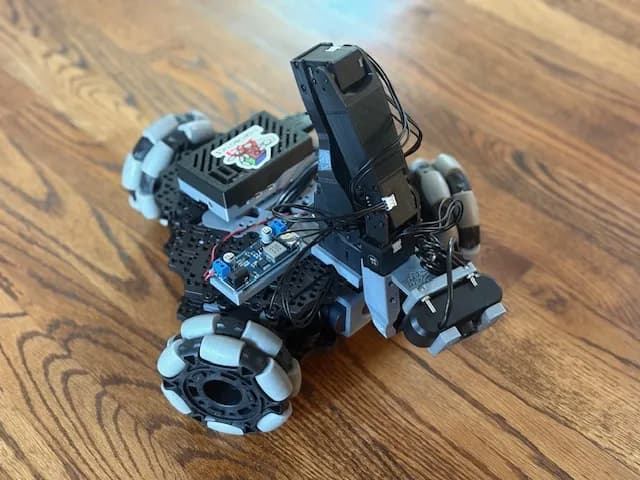
LeKiwi is an open-source, low-cost mobile manipulator: a 3D-printed three-wheel omni base with a Raspberry Pi 5 and an SO-101 arm, teleoperated from your laptop and ready for LeRobot data collection.
LeKiwi, from SIGRobotics at UIUC with Hugging Face's LeRobot team, mounts an SO-ARM101 on a 3D-printed base with three omni wheels (a holonomic "kiwi" drive), so it can slide in any direction. A Raspberry Pi 5 on the robot streams joint angles and two camera feeds (workspace and wrist) to your laptop.
You drive the base with WASD keys or a controller and move the arm with a second leader arm, then record datasets to the Hugging Face Hub to train policies. The repo has a bill of materials, print files, assembly guides and a URDF for simulation, and LeRobot's docs cover install, calibration and teleop.
First build? The README suggests the 5V version (a 65W laptop power bank), or the wired version if you want the cheapest option and to skip Pi setup.
Spotted on X in @0x_meden's top-five list of open-source robots you can build at home (Oct 2026).
Quick answers
- What is LeKiwi?
- An open-source, low-cost mobile manipulator from SIGRobotics at UIUC and Hugging Face's LeRobot team. An SO-101 arm sits on a 3D-printed base with three omni wheels and a Raspberry Pi 5, so it can slide in any direction.
- How do you control LeKiwi?
- From your laptop. You drive the base with WASD keys or a controller and move the arm with a second leader arm, while the Pi 5 streams joint angles and two camera feeds (workspace and wrist). You can record the sessions as datasets on the Hugging Face Hub to train policies.
- Which LeKiwi version should you build first?
- The README suggests the 5V version, which runs off a 65W laptop power bank. The wired version is the cheapest option and skips the Pi setup.
Parts list
Some buy links may earn Robot Use Cases a commission. You pay the same price. Prices are what the builder listed in their source, so check the store.
LeKiwi: parts shared by the 5V and 12V versions
Builder's listed total $173.15- 3× 4" omni wheel · $9.99 eachBuy at VEX Robotics
- M2 M3 M4 assorted screw set · $14.99Buy at Amazon
- Raspberry Pi 5 (4GB) · $60Buy at Adafruit
- 2× USB camera · $12.98 eachBuy at Amazon
- microSD card · $11.23Buy at Amazon
- Table clamp, 4 pack · $18Buy at Amazon
- Screwdriver set · $6Buy at Amazon
- USB-C to USB-A cable, 2 pack · $7Buy at Amazon
Also needed: Motors, battery and the SO-101 arm set differ between the 5V, 12V and wired versions. The BOM lists $499 (5V) and $482 (12V) for the full robot. Pick a version in the full BOM.
From SIGRobotics-UIUC/LeKiwi BOM.md, checked 2026-10-17.
Ideas to try with it
Our ideas, not the builder's claims.
- Drive to the front door and bring back a package that fits in the gripper
- Collect teleop demos of picking up toys and train a tidy-up policy
- Patrol the room at night and stream the camera to your laptop
1 more ideaShow fewer
- Deliver a drink from the kitchen counter to the couch
- Last commit
- 2026-08-05
- Builder
- SIGRobotics-UIUC
- Repo
- SIGRobotics-UIUC/LeKiwi, 1,506 stars
- Built with
- SO-100/SO-101 arm (LeRobot)
Guides: Best robot arm under $200 · SO-101 vs SO-100 · SO-101 parts list and cost
Parts notes for this device are in the Hermes Workshop catalog.
What to build next
Builds that share a board, robot or agent with this one.
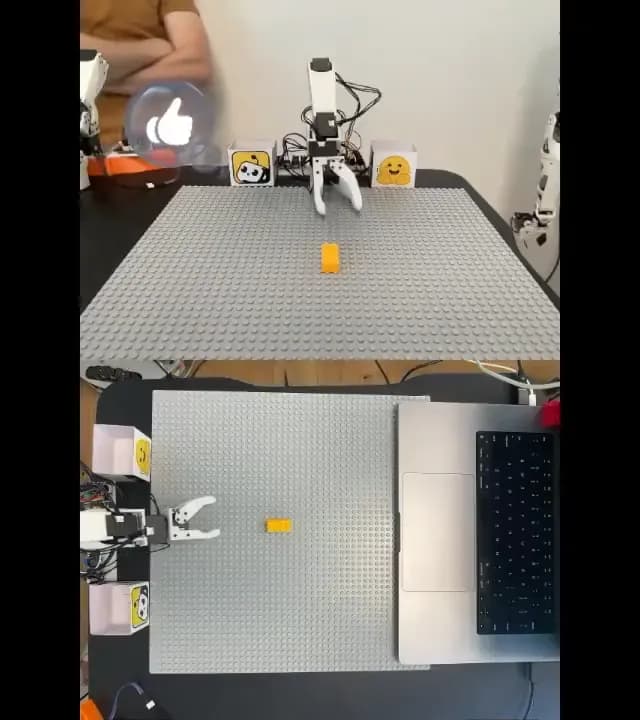 Teach an SO-101 arm to pick and place with LeRobotAlso built on the SO-101 arm
 Build the $100-class SO-101 open-source robot armAlso built on the SO-101 arm
 Run SmolVLA on an SO-101 so it follows plain-English tasksAlso built on the SO-101 arm
 MOSS: a 3D-printed rover that picks up litterAlso built on the SO-101 arm
 Livestream and remote-control your SO-101 arm from a web appAlso built on the SO-101 arm
 Build XLeRobot, a dual-arm home robot from about $660Also built on the SO-101 arm