
Open source
waveshareteam/ugv_rpi
Raspberry Pi example for the WaveShare UGV robots: WAVE ROVER, UGV Rover, UGV Beast, RaspRover, UGV01, UGV02.
$ git clone https://github.com/waveshareteam/ugv_rpi.git# then ask your coding agent> Set up ugv_rpi for "Drive a Waveshare UGV rover from your browser with live AI vision" on my Waveshare UGV. Follow the README.
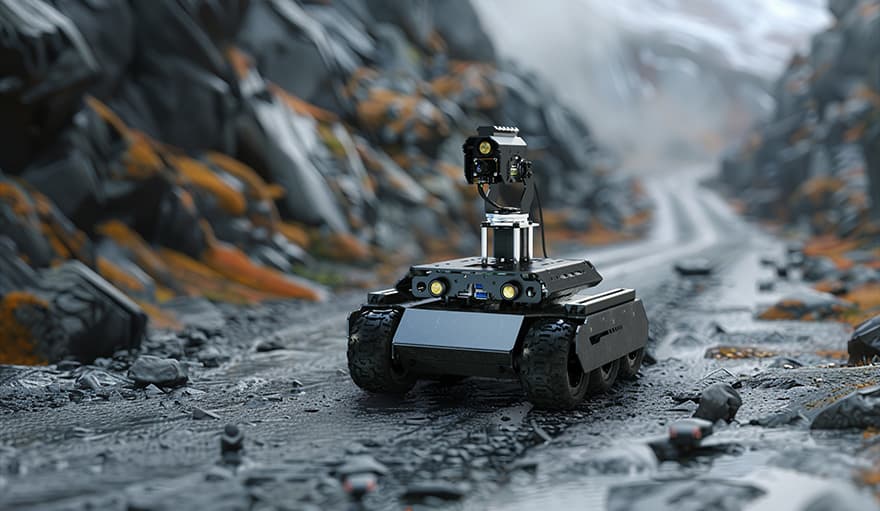
Drive a Waveshare UGV rover from your browser with live AI vision
Wheeled, Easy
Waveshare's ugv_rpi runs on a Raspberry Pi over an ESP32 driver board, giving you WebRTC video, pan-tilt camera, arm control and AI vision in a JupyterLab tutorial.
The Pi sends JSON commands to the ESP32 lower computer over UART; works with WAVE ROVER, UGV Rover, UGV Beast, RaspRover, UGV01 and UGV02.
Hardware & cost: A Waveshare UGV kit and Raspberry Pi.
Difficulty: Easy.
Agent install prompt (paste into Claude Code, Cursor or Codex): "Clone https://github.com/waveshareteam/ugv_rpi on my Pi, run the setup script from the README, and open the web UI to drive and see the camera."
Source: waveshareteam/ugv_rpi on GitHub — https://github.com/waveshareteam/ugv_rpi (facts checked against the project README, Oct 2026; prices vary by region).
Quick answers
- What do you need to drive a Waveshare UGV rover from your browser with live AI vision?
- A Waveshare UGV kit and Raspberry Pi.
- How hard is it to drive a Waveshare UGV rover from your browser with live AI vision?
- Easy.
How your agent drives it
Copied from the waveshareteam/ugv_rpi README
- Shell
$ git clone https://github.com/waveshareteam/ugv_rpi.git
- Shell
$ sudo ./setup.sh
- Shell
$ ./autorun.sh
Any coding agent that can run a shell can run these. Read the README before you run anything on a robot that moves.
Ideas to try with it
Our ideas, not the builder's claims.
- Drive it from a phone browser and watch the pan-tilt camera
- Patrol the backyard and snap photos of anything that moves
- Work through the JupyterLab tutorial to add object detection
1 more ideaShow fewer
- Have your agent call the web UI to check on the house while you're out
- Last commit
- 2024-10-14
- Builder
- waveshareteam
- Repo
- waveshareteam/ugv_rpi, 152 stars
- Built with
- Waveshare UGV, Raspberry Pi
Guides: Cheap ESP32 robot projects you can build · AI hardware for robot and agent builds
Parts notes for this device are in the Hermes Workshop catalog.
What to build next
Builds that share a board, robot or agent with this one.
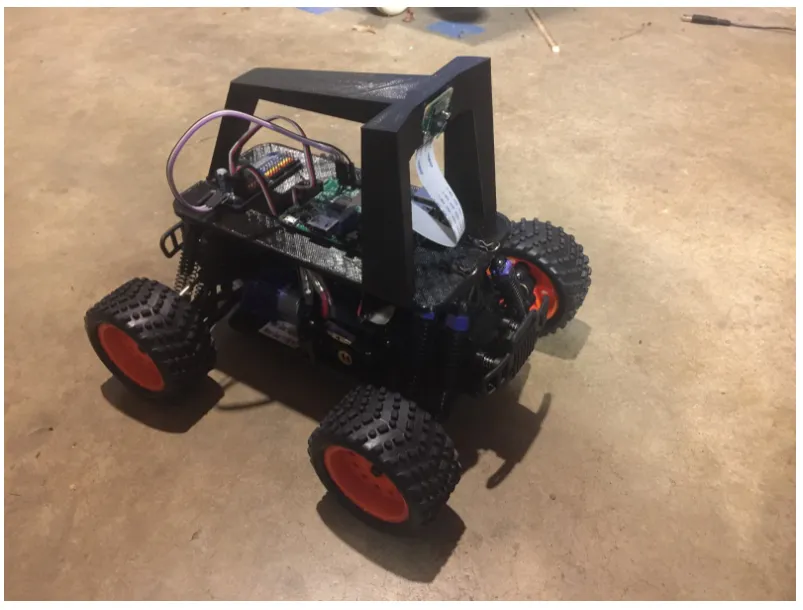 Make an RC car drive itself with DonkeycarAlso built on Raspberry Pi
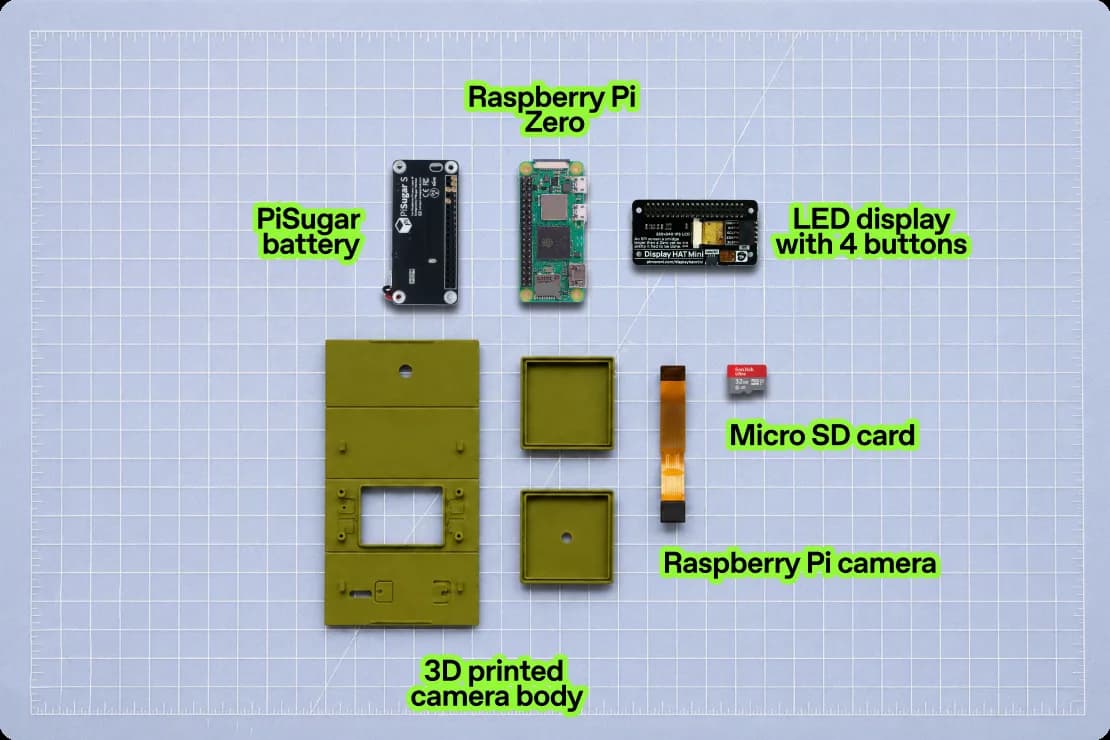 ImageGenCam: build a Raspberry Pi camera that remixes every photoAlso built on Raspberry Pi
 Cat TV: a Raspberry Pi that projects scenes for a catAlso built on Raspberry Pi
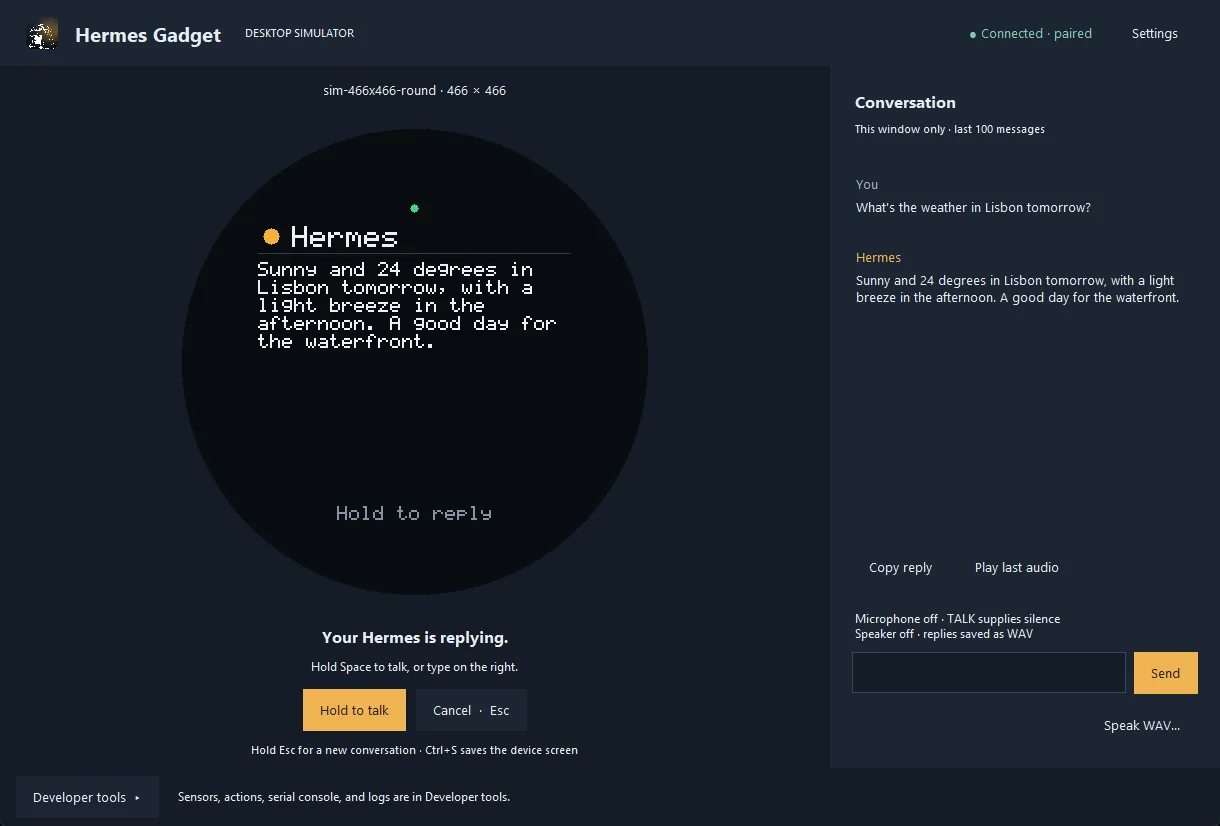 Hermes Gadget: an ESP32 or Raspberry Pi voice body for your Hermes AgentAlso built on Raspberry Pi
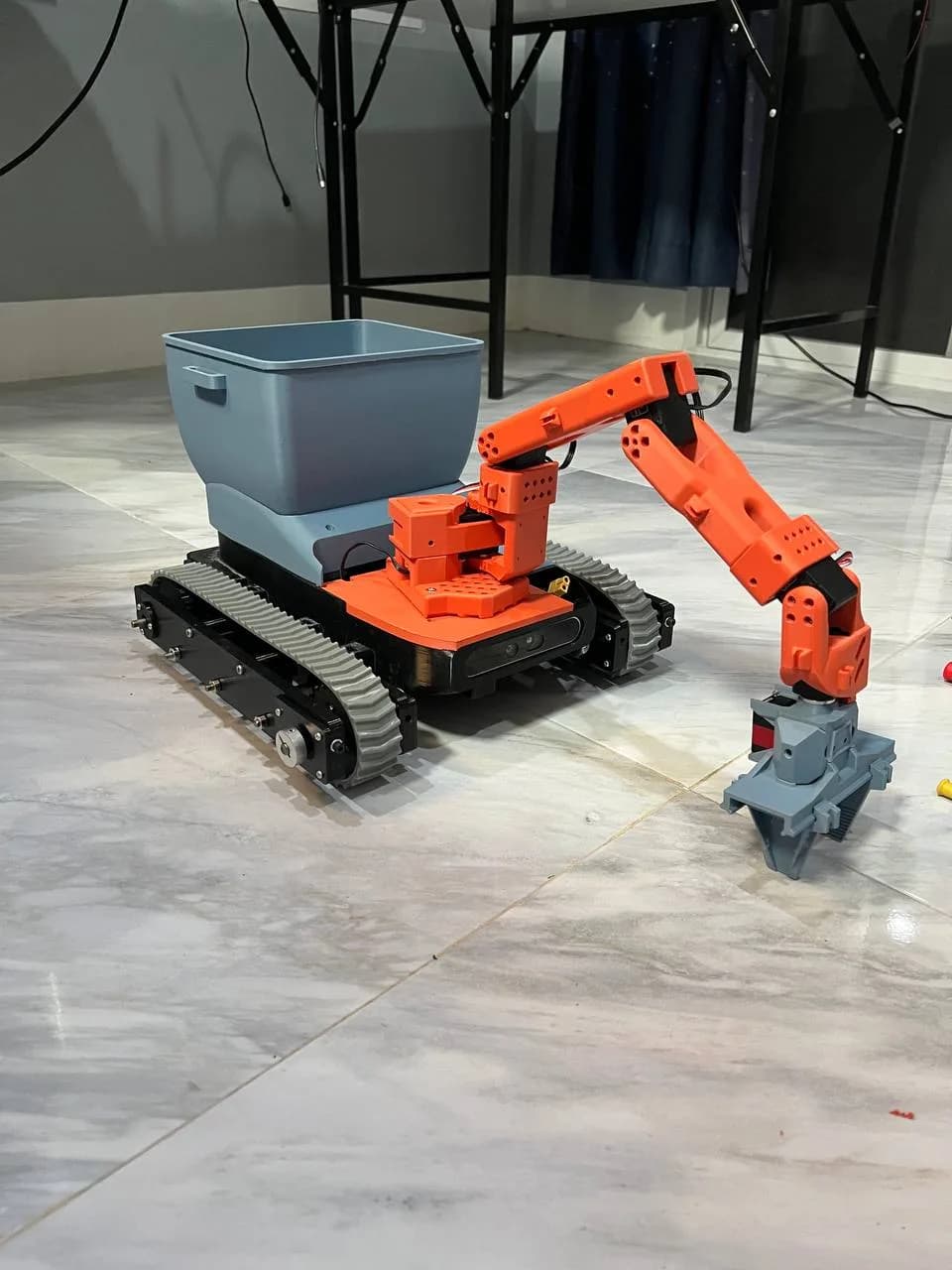 MOSS: a 3D-printed rover that picks up litterAlso built on Raspberry Pi
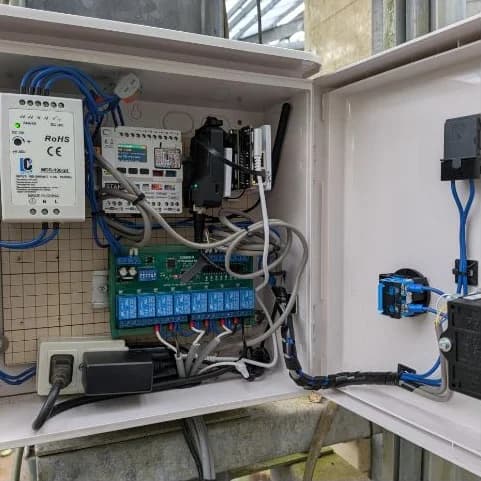 Noutomation: no-code sensor and relay automation on a Raspberry Pi CM4Also built on Raspberry Pi