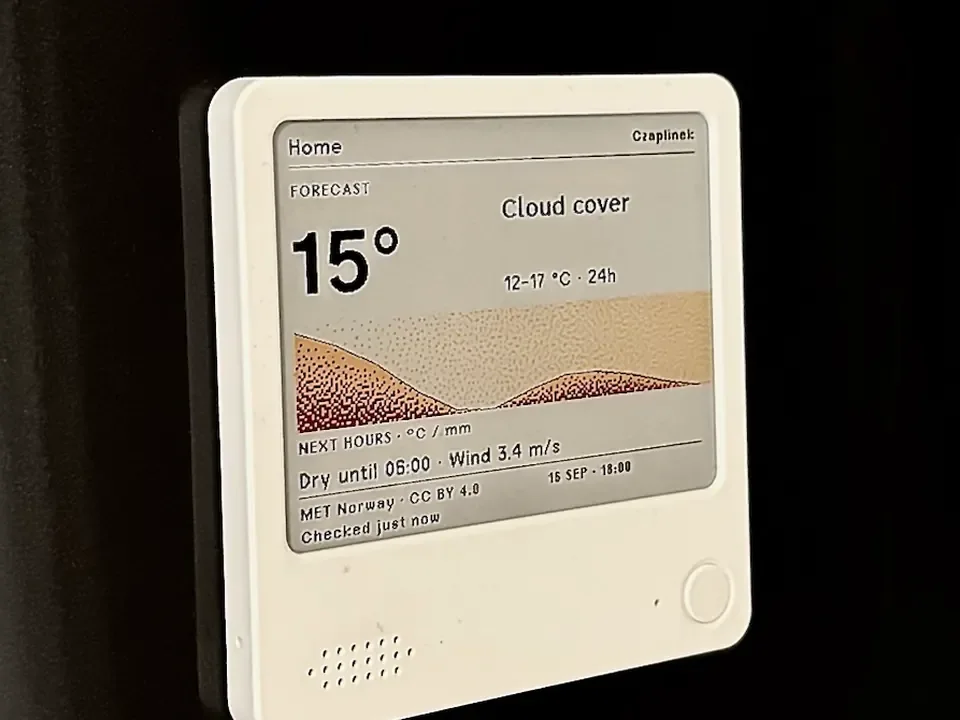
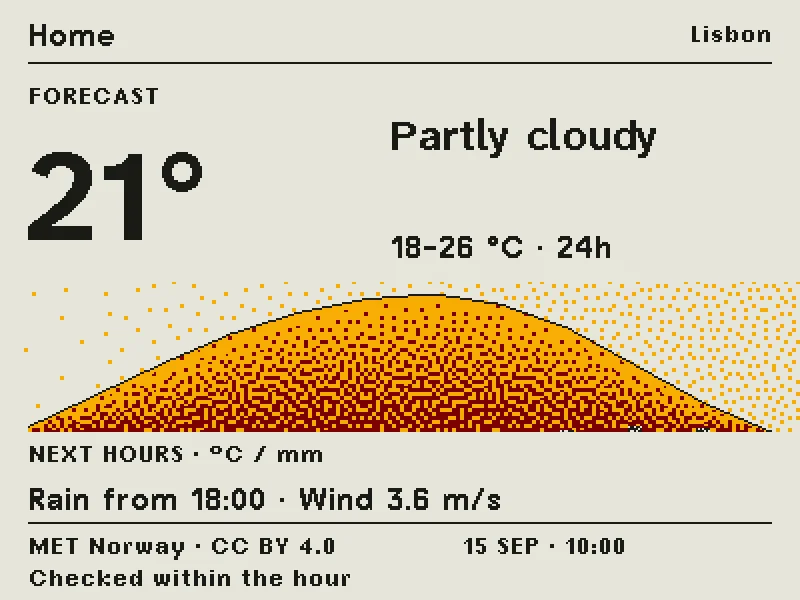
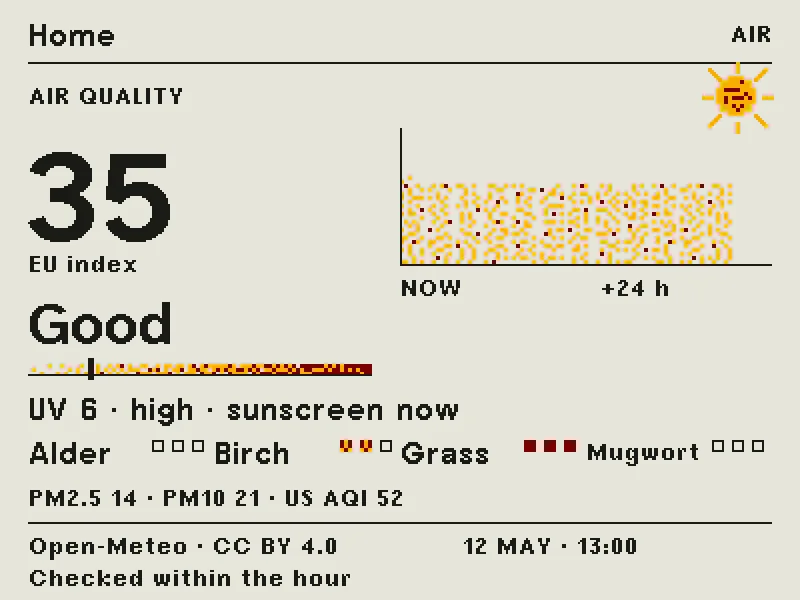
emini Home: a four-color e-paper poster of your day on the ZECTRIX NOTE4C
Gadget, Medium
Open firmware that turns the ZECTRIX NOTE4C e-paper devkit into a calm daily display with the weather, one headline, a note in your own words, the sky and air quality, set up from your phone's browser.
emini Home redraws the NOTE4C's 400 x 300 four-color e-paper screen (black, white, red and yellow) with a few screens you pick: the weather forecast, one news headline, a short note you type, sunrise and sunset with the Moon's phase, and air quality with UV and pollen. The display has no grey, so the renderer builds every tone from dither patterns, and you can switch between three layouts and three brushes.
Setup happens in your phone's browser. The device starts its own emini.ink Wi-Fi network, you open the setup page, type the pairing code from the screen and move it onto your home network. There's no app and no account, and no emini server sits in the middle. Weather comes from MET Norway and air quality from Open-Meteo.
In the default Breath mode Wi-Fi switches on about twice an hour to fetch new data, which the README expects to stretch a charge to two to four weeks (an estimate, since a full discharge hasn't been measured). The author built it by directing Claude Code and Codex and testing on one NOTE4C.
Hardware & cost: A ZECTRIX NOTE4C (ESP32-S3, four-color 4.2-inch e-paper). Only the four-color NOTE4C is supported, not the NOTE4. MIT licensed.
Difficulty: Medium. The quick path is a web installer in Chrome or Edge. The careful path backs up the flash twice with esptool and runs the repo's preflight check first.
Version 0.6.2 has been tested on a single NOTE4C, and the README says 0.6 is the final feature release.
Agent install prompt (paste into Claude Code, Cursor or Codex): "Open https://github.com/fiedoruk/emini-home and follow docs/INSTALL.md for my NOTE4C: back up the full flash twice with esptool, run tools/preflight.py on both backups and stop if it doesn't say READY. Ask me before writing anything to the device."
Source: fiedoruk/emini-home on GitHub, https://github.com/fiedoruk/emini-home (facts checked against the project README, Oct 2026).
Found via Joseph Zhou's AI Hardware list (https://josephzhou.me/ai/).
Quick answers
- What do you need to build emini Home?
- A ZECTRIX NOTE4C (ESP32-S3, four-color 4.2-inch e-paper). Only the four-color NOTE4C is supported, not the NOTE4. MIT licensed.
- How hard is emini Home to build?
- Medium. The quick path is a web installer in Chrome or Edge. The careful path backs up the flash twice with esptool and runs the repo's preflight check first.
Ideas to try with it
Our ideas, not the builder's claims.
- Put your agent's daily summary in the note slot each morning
- Stick it on the fridge as a family weather and reminder board
- Point the news screen at your own RSS feed of build updates
- Last commit
- 2026-09-25
- Builder
- fiedoruk
- Repo
- fiedoruk/emini-home, 34 stars
- Built with
- ESP32
Links
What to build next
Builds that share a board, robot or agent with this one.
 WT32-SC01 Plus desk companion: clock, weather and internet radio on an ESP32-S3 touchscreenAlso built on ESP32
 Reflect: a voice-and-light assistant on an M5Stack CoreS3Also built on ESP32
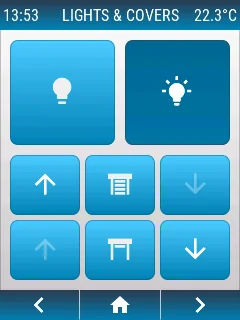 openHASP: build a touchscreen wall panel for Home Assistant from a cheap ESP32 displayAlso built on ESP32
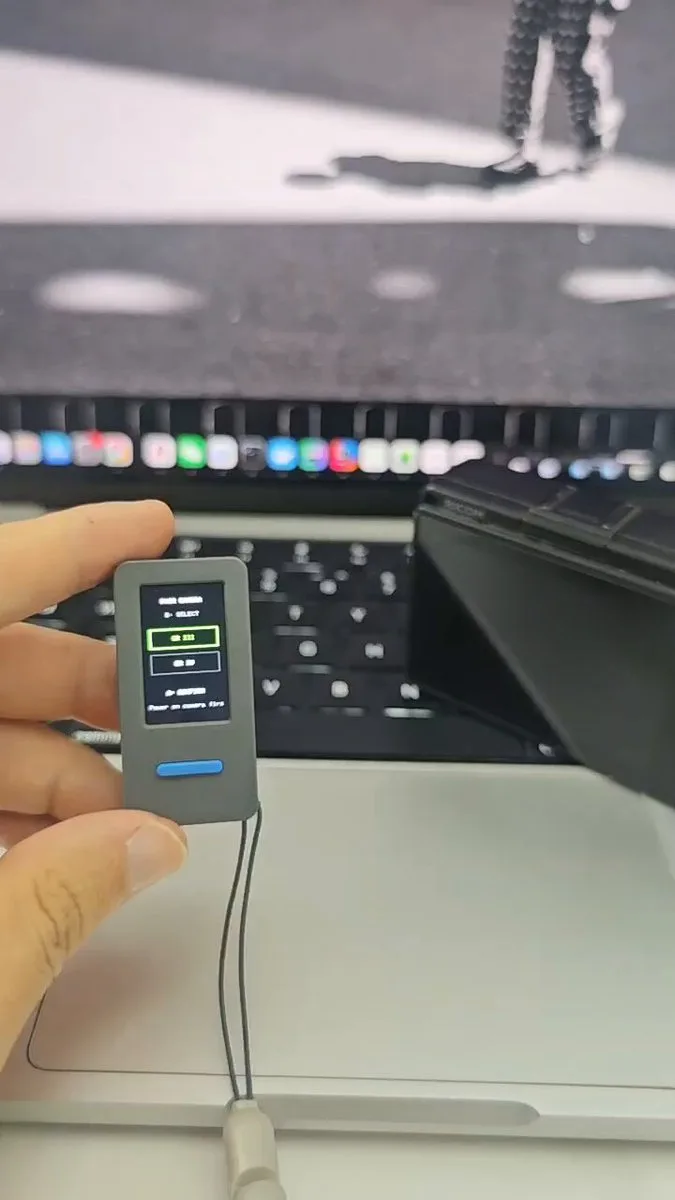 Turn an M5Stack StickS3 into a live-view remote for a RICOH GRAlso built on ESP32
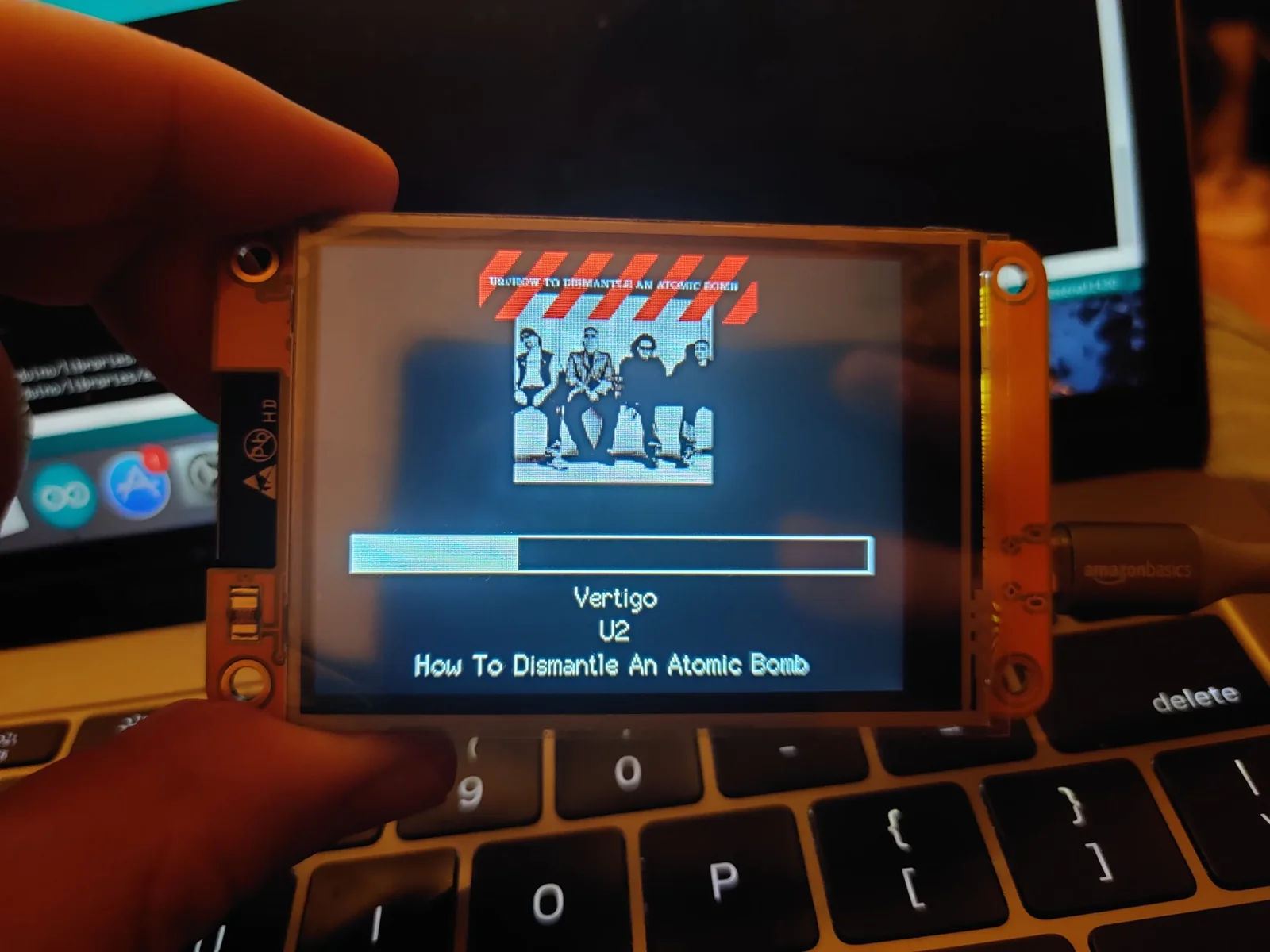 Start with the Cheap Yellow Display: an ESP32 with a built-in touchscreen and a community of projectsAlso built on ESP32
 AWTRIX NG: turn a Ulanzi pixel clock into a notification display for your smart home and scriptsAlso built on ESP32