Let a coding agent drive an SO-101 to paint or draw
Arm, Medium, $122
Give a coding agent a small Python API on a calibrated SO-101 (move joints, read camera) and it can draw or paint. Follower arm parts are about $122 per the SO-ARM100 BOM; add a pen or brush holder and a webcam.
Cost $122: SO-ARM100 README BOM, follower.
The pattern: expose move_to(joints), get_joints() and snapshot(), set safe joint limits and slow speeds, then let the agent iterate. You need a calibrated SO-101 follower, a holder for a pen or brush, and a camera the agent can read.
Does it work: yes in at least one public demo. On Sep 23, 2026, @goelankur1996 posted that Claude Opus 5 controlled an SO-101 with a paintbrush, learned the controls, made calibration files, broke painting into simpler steps and progressively painted better Golden Gate Bridge pictures. Video is on that X post.
Hardware & cost: An SO-101 follower arm (~$122 BOM), a pen or brush holder, a webcam.
Difficulty: Medium. Set joint limits and slow speeds before handing over control.
Next step: calibrate your SO-101 with LeRobot, then paste the agent prompt below and start with a square on paper before paint.
Agent install prompt (paste into Claude Code, Cursor or Codex): "Using LeRobot (https://github.com/huggingface/lerobot) with my calibrated SO-101, write a tiny Python tool with move_to(joints), get_joints() and snapshot() and safe joint limits, then use it to draw a square on paper and check the result in the camera image."
Source: @goelankur1996 on X — https://x.com/goelankur1996/status/2102812982590022024 (post checked via fxtwitter API Nov 3, 2026; arm cost from SO-ARM100 README).
Quick answers
- How much does it cost to let a coding agent drive an SO-101 to paint or draw?
- About $122, per the SO-ARM100 README BOM, follower.
- What do you need to let a coding agent drive an SO-101 to paint or draw?
- An SO-101 follower arm (~$122 BOM), a pen or brush holder, a webcam.
- How hard is it to let a coding agent drive an SO-101 to paint or draw?
- Medium. Set joint limits and slow speeds before handing over control.
Buying the parts new, one SO-101 follower arm came to $131.69 at Oct 30 retail prices. See the SO-101 parts list and cost.
Does it actually work?
Posted Sep 23, 2026 · checked Nov 3, 2026
Ankur Goel's post says he gave Claude Opus 5 control of a LeRobot SO-101 with a paintbrush and asked it to paint the Golden Gate Bridge. The agent learned the controls, made calibration files, broke the work into simpler instructions and made progressively better paintings. The video plays from that X post; we do not host it.
I gave @claudeai Opus 5 the control of a @LeRobotHF SO-101 robot arm with a paintbrush attached. Asked it to paint the Golden Gate Bridge. It learned the controls of the robot, made calibration files, broken down painting into simpler instructions and progressively made better paintings.
— Ankur Goel (@goelankur1996) Sep 23, 2026
Parts list
Some buy links may earn Robot Use Cases a commission. You pay the same price. Prices are what the builder listed in their source, so check the store.
SO-101: one follower arm
Builder's listed total $121.94- 6× Feetech STS3215 servo 7.4V, 1/345 gear (C001) · $13.89 eachBuy at Alibaba
- Waveshare serial bus servo driver board · $10.60Buy at Amazon
- USB-C cable, 2 pack · $7Buy at Amazon
- 5V power supply (5.5x2.1mm) · $10Buy at Amazon
- Table clamp, 2 pack · $5Buy at Amazon
- Precision screwdriver set · $6Buy at Amazon
Also needed: 3D-printed parts in PLA+ (or a printed kit below). Phillips #0 and #1 screwdrivers.
Or buy a kit
Kits listed in the SO-ARM100 README. Prices change by option, so check the vendor page.
- Seeed Studio SO-ARM kit (includes 3D-printed kits)Buy at Seeed Studio
- WowRobo SO-ARM101 kit (assembled versions)Buy at WowRobo
- PartaBot, US (assembled versions)Buy at PartaBot
- ForgeMotion Labs on Amazon US (frame, electronics or complete kits)Buy at Amazon
- Seeed kit on AliExpressBuy at AliExpress
From TheRobotStudio/SO-ARM100 README, Parts for One Follower Arm, checked 2026-10-17.
Ideas to try with it
Our ideas, not the builder's claims.
- Ask your agent to draw a smiley face, then check it through the camera
- Have it sign your name on a birthday card
- Let the agent write its own joint calibration notes as it learns
1 more ideaShow fewer
- Trace a shape from a photo onto paper
- Source
- @goelankur1996 on X
- Posted
- 2026-09-23
- Builder
- @goelankur1996
- Built with
- SO-100/SO-101 arm (LeRobot)
Guides: Give your AI agent a robot body · Best robot arm under $200 · SO-101 vs SO-100 · SO-101 parts list and cost · Robots you can build with AI
What to build next
Builds that share a board, robot or agent with this one.
 Use a folding phone as a controller for an SO-101 gripperAlso built on the SO-101 arm
 Run SmolVLA on an SO-101 so it follows plain-English tasksAlso built on the SO-101 arm
 Teach an SO-101 arm to pick and place with LeRobotAlso built on the SO-101 arm
 Build the $100-class SO-101 open-source robot armAlso built on the SO-101 arm
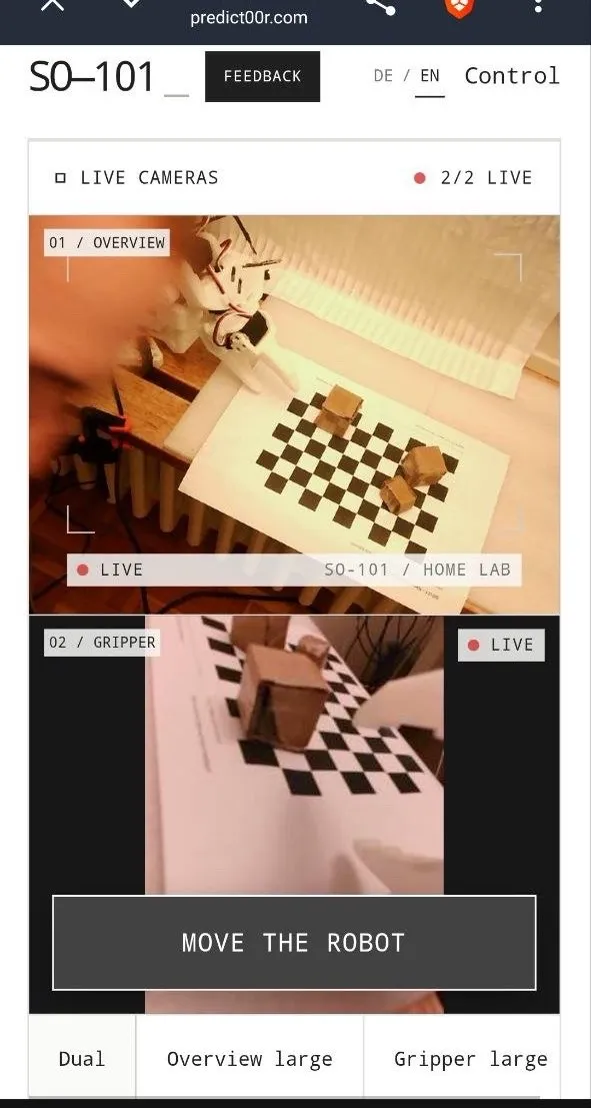 Livestream and remote-control your SO-101 arm from a web appAlso built on the SO-101 arm
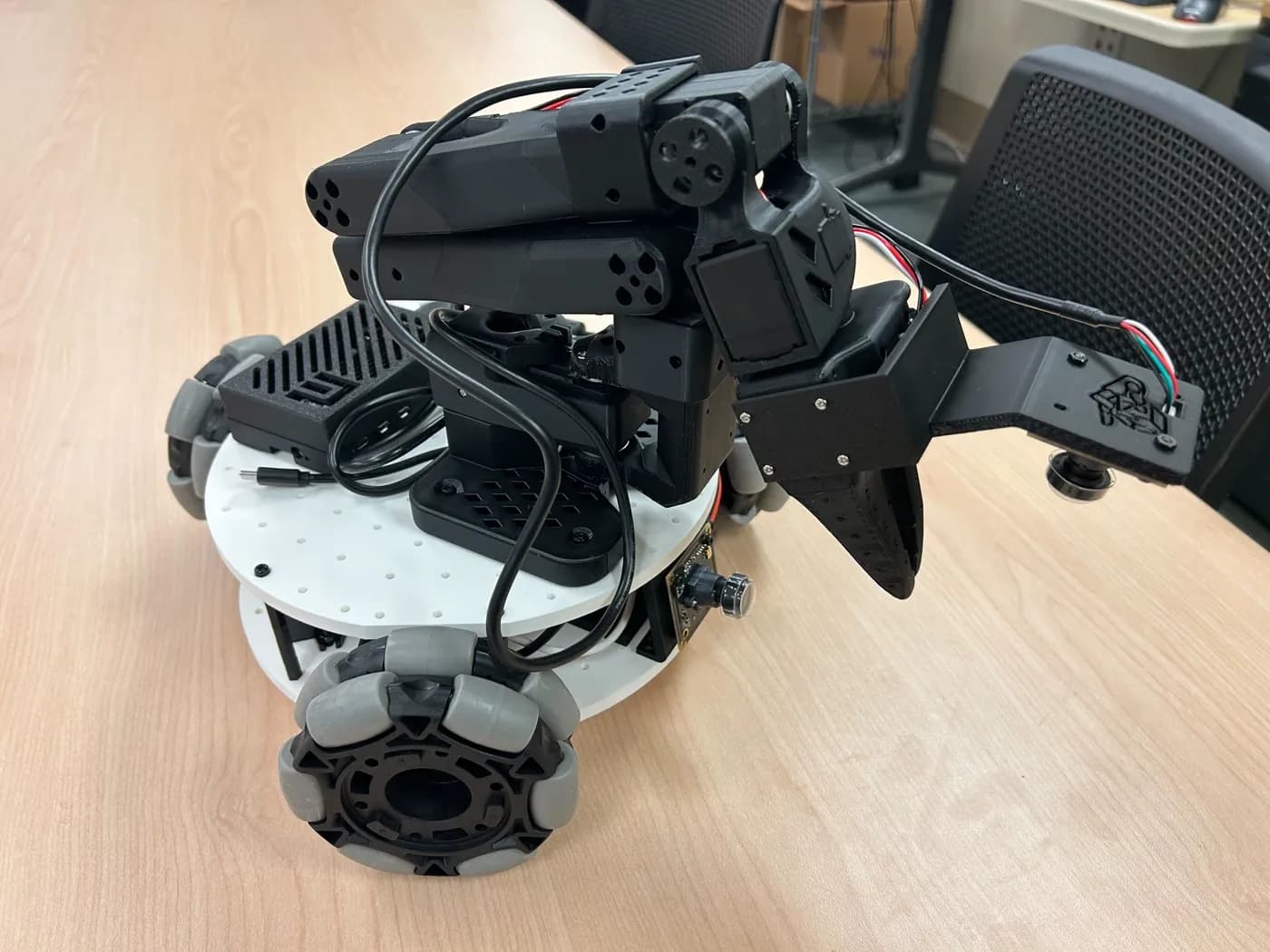 Put an SO-101 arm on wheels with LeKiwiAlso built on the SO-101 arm